
QR Codes
Latest posts
Choose the right QR code type
A QR code can join a Wi-Fi network, open WhatsApp, save a contact or receive a Pix. Pick the type that does the job and know what it costs you.
Create a Pix QR code to get paid
Build a Pix code with your key, the amount and your name, so the customer scans and their banking app fills the payment in already.
Your QR code does not do what you expected
The code scans but the phone shows a page, joins nothing, saves an empty contact or opens the wrong number. Find the cause by type and fix it.
Create WhatsApp, Wi-Fi, and vCard QR codes
Make QR codes that open a WhatsApp chat with a preset message, share a Wi-Fi password, or save a contact — plus text, email, phone, and Pix codes.
QR codes that call or write to you
Put your phone number or your email behind a QR code, with the subject already written, and know what the phone actually does when it reads one.
Create a Wi-Fi QR code for guests
Print a QR code that joins your Wi-Fi network without anyone typing the password, and know why the static one belongs on the table tent.
Add comments to a link or QR code
Leave a private note on a link or QR code so you and your team remember why it exists, what it was for, and what has to change later.
Open a WhatsApp chat with a QR code
Scanning opens WhatsApp with your number and a message already written, so the customer only has to press send. Works from print or a screen.
Show a text with a QR code
Put instructions, a serial number or a note behind a QR code. A static one shows the text with no internet at all, which is the point.
Share your contact details with a QR code
A code that saves your name, phone and email straight into someone's address book, with no app and no typing. Print it on a badge or a card.
Choose between dynamic and static QR codes
Dynamic QR codes encode a short link you can re-point and measure; static codes bake the content into the image. Plan limits and how to convert.
Download and print a QR code at the right size
Export a QR code as SVG, PNG, or JPEG, pick the pixel size, and print it at a size and contrast that scans — with the public link and Wallet passes.
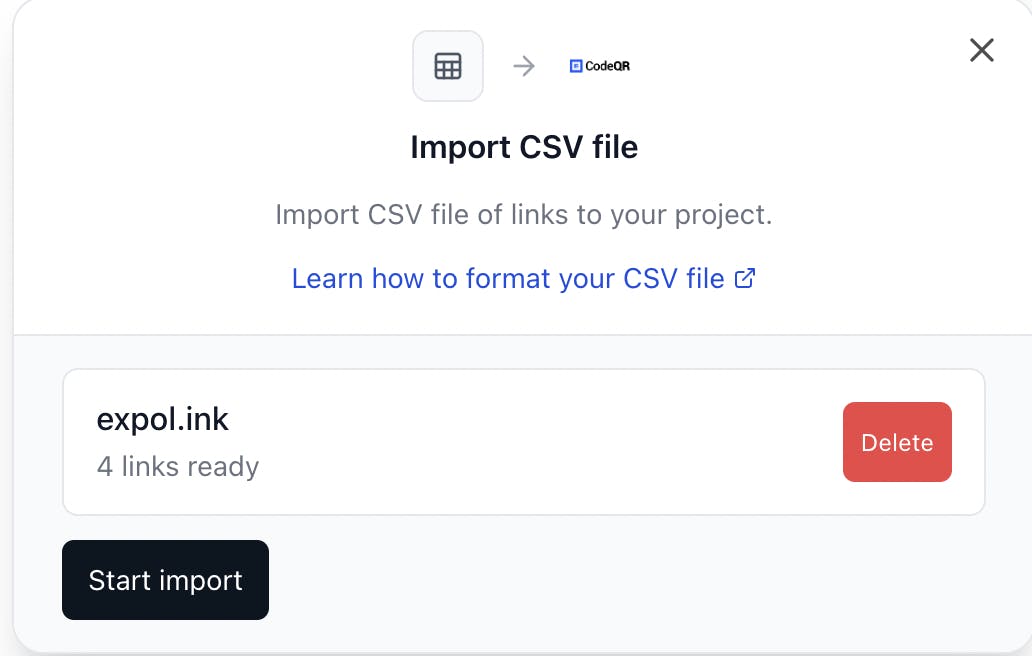
How to Import QR Codes from a CSV File
Learn how to easily import your QR Codes from a CSV file into CodeQR. Perfect for bulk QR Code creation or migrating from other providers.
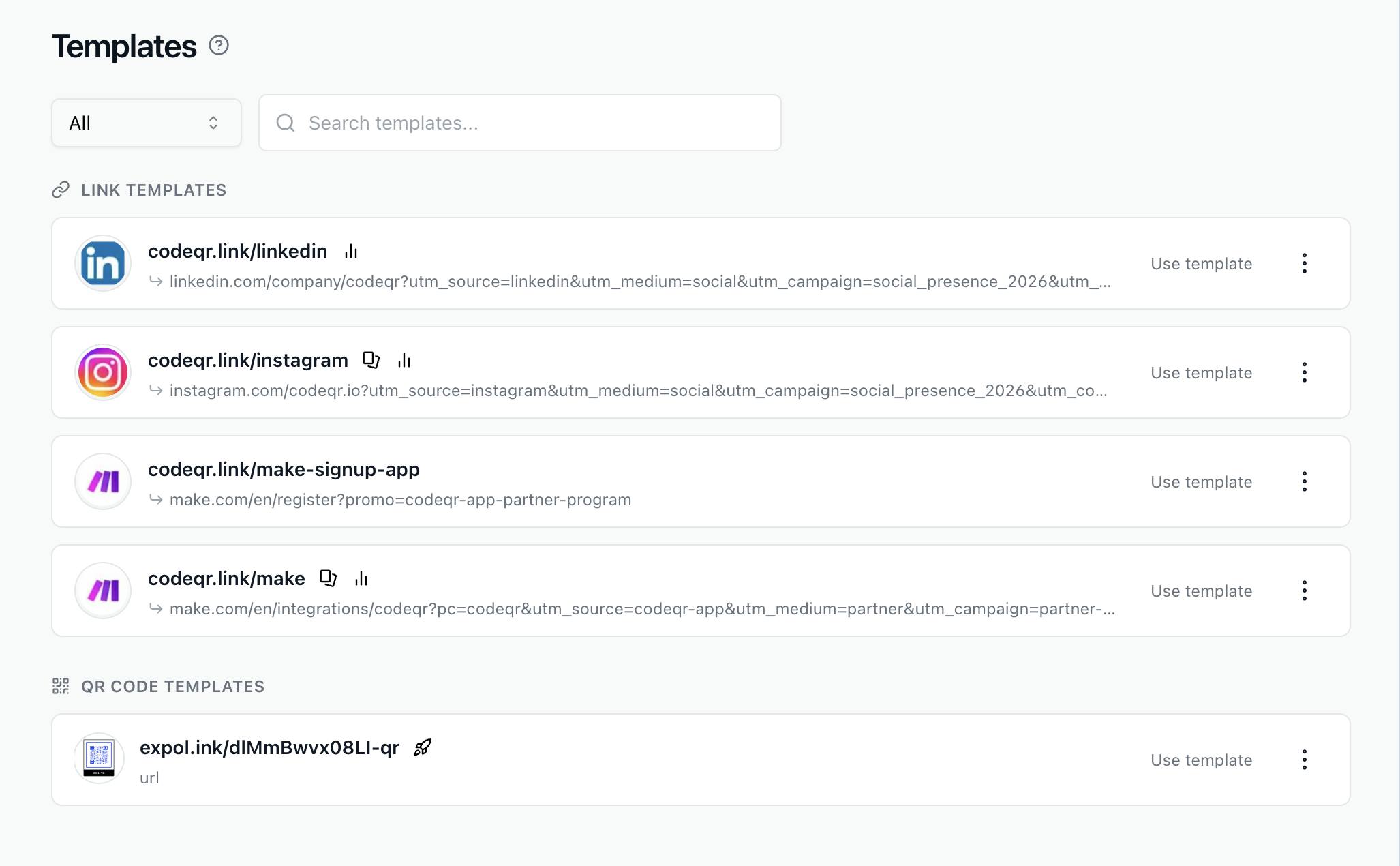
Duplicate Links & QR Codes + Templates
Learn to duplicate links/QR codes & use templates in CodeQR. Copy settings, UTM tags & designs in just a few clicks.
Change a QR code destination after printing
Edit the destination URL of a dynamic QR code already printed on menus, packaging, or posters. Live at the next scan — no reprint, same image.
Create a dynamic QR code you can edit after printing
Create a dynamic QR code in CodeQR — it encodes a short link, so you can change the destination after printing and see every scan in Analytics.
Create QR codes with the API, MCP, and automations
Create, update, list, and delete QR codes with the CodeQR API, one by one or in bulk, from an AI client through the MCP server, or from Make and webhooks.
Add your logo, colors, and a frame to a QR code
Put your workspace logo in the middle of a QR code, set foreground and background colors, pick a pattern, and add a Scan me frame that still scans.
Fix a QR code that does not scan or opens the wrong page
Why a printed QR code does not scan, opens the old page, an expired or password page, or codeqr.io/not-found, and why scans do not show — and the fix.