

A QR code generator for restaurants lets your front-of-house team point diners to a menu, a Google review page, or your WiFi from one printed code — and change where that code sends people without reprinting a single table tent. CodeQR adds scan analytics on top, so you can see when and where diners actually scan across each location.
What restaurant teams actually need from a QR code
Menus and prices change often, but reprinting table tents, window decals, and counter cards is slow and costs money every time a supplier price moves. A restaurant owner or FOH manager also usually has no idea how many diners scan a code, when, or at which location — so there's no way to tell whether the sign near the door works better than the one on the table. More than 100 million U.S. smartphone users scanned a QR code in 2025, so the behavior is already there; the gap is control and visibility, not diner willingness.[^1]
Common use cases for restaurants
- Menus that change weekly — a dynamic QR code for your menu lets your front-of-house team update the destination link when prices or specials change, without reprinting a single table tent.
- Turning happy diners into reviews — a Google review QR code printed on the receipt or bill folder catches a guest at the moment they're most likely to leave a rating, instead of asking them to search for you later.
- Answering questions without tying up the line — a WhatsApp QR code at the host stand or on takeaway bags opens a chat for reservations questions, catering enquiries, or order follow-ups.
Practical example
Consider a café printing table-tent QR codes. The menu code sits on the table tent, a Google review code goes on the printed receipt, and the WiFi code lives on a small card at the counter — three placements, three jobs. When the kitchen drops a dish, the manager changes the menu link once in CodeQR and every table tent is instantly current, no reprint. Because each code carries its own tracking, the café can compare scans from the table against scans from the counter and see which placement diners actually use. The physical cards never change; only the destinations behind them do.
How CodeQR fits into your stack
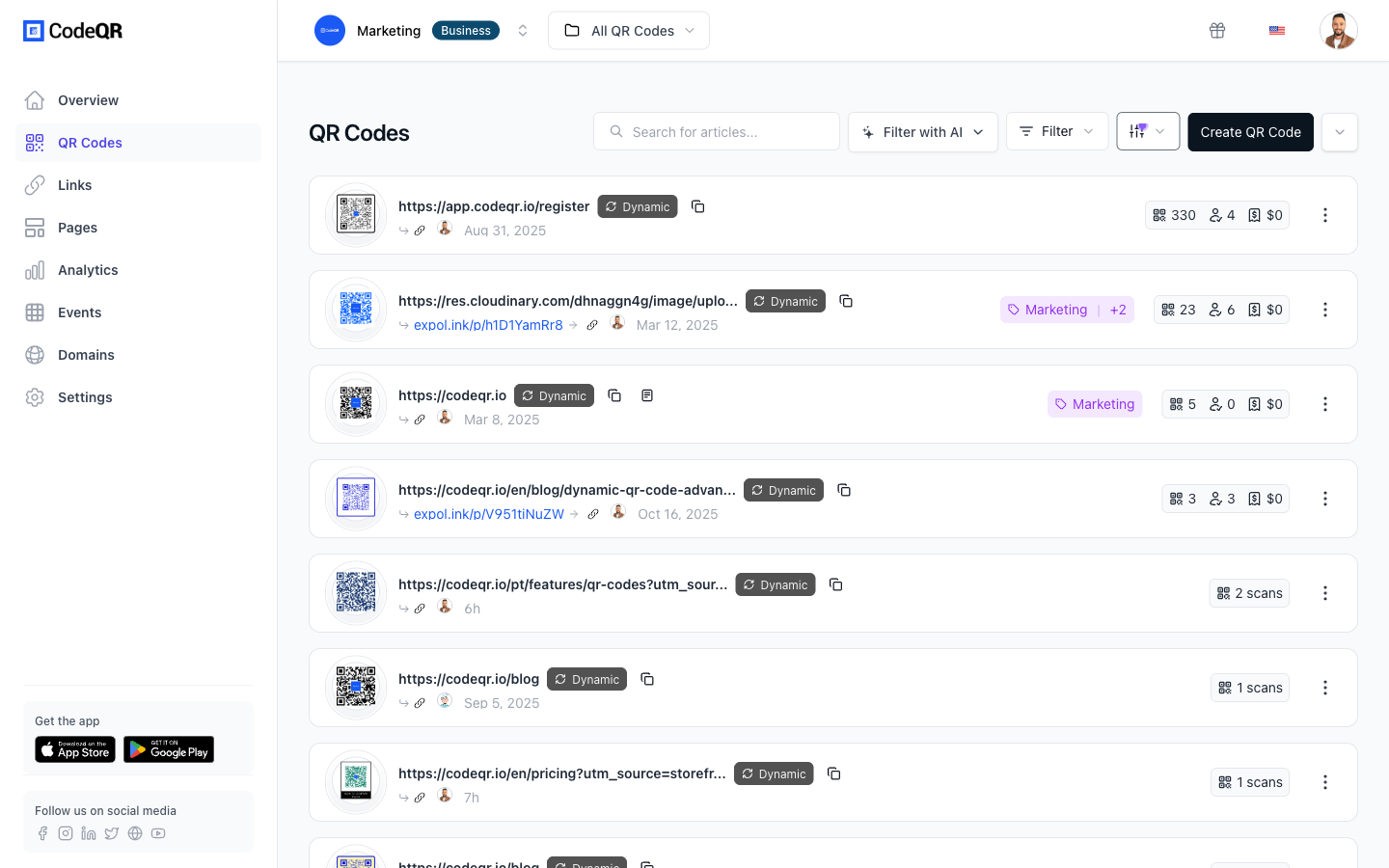
CodeQR handles the printed layer of the dining room — the codes on the tables, the receipt, and the counter — and the conversion tracking that tells you which ones get scanned. It replaces the patchwork of single-purpose menu-QR builders and static generators by putting menu, review, WiFi, and feedback codes behind one analytics view. It does not replace your POS, your online ordering system, or your reservations tool, and it doesn't try to — CodeQR points diners toward those systems and measures the traffic, while the POS still rings the sale. For the code engine and pass features themselves, see QR codes and wallet passes.
Best practices for restaurants
- Print at ~2 cm minimum. For a diner scanning from arm's length at a table, a code around 2 cm square scans reliably. Size up for window decals read from the sidewalk.
- Count on error correction, but retire scuffed cards. Every QR code carries error correction — at the highest level, H, roughly 30% of a damaged or obscured code can still be recovered — which is why a smudge or a water ring rarely kills a scan.[^2] It is not infinite: pull a table tent once the code is worn enough that phones hesitate on it.
- Give each placement its own code. A separate code for the table, the receipt, and the counter lets you compare where scans come from instead of guessing.
- Keep quiet space around the code. Leave a clear white margin so the phone camera can lock on quickly in dim dining-room lighting.
- Use dynamic codes for anything that changes. Menus, seasonal specials, and event pages should point to a link you can edit, so the printed code outlives the content behind it. See pricing for plan limits.
[^1]: More than 100 million U.S. smartphone users scanned a QR code in 2025, up from 89.5 million in 2022. Statista. https://www.statista.com/statistics/1337584/number-of-smartphone-qr-code-scanners-usa/ [^2]: QR code error-correction level H can recover roughly 30% of a damaged or obscured code, the highest of the four defined levels. QR Code (Denso Wave). https://www.qrcode.com/en/about/error_correction.html