
Put your QR Codes in Apple Wallet & Google Wallet
Let people save your QR Code as a wallet pass in one tap. No app to download, nothing lost in a camera roll — and every scan still flows into your analytics.
Trusted by teams worldwide
One pass, always in their pocket
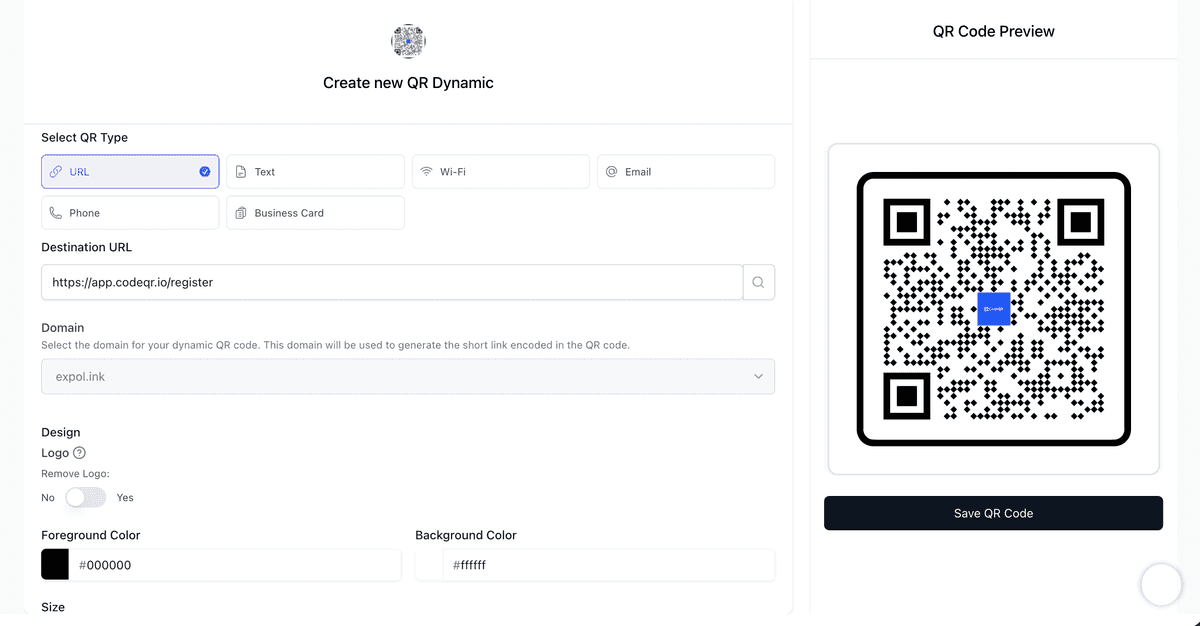
Add to Wallet in a single tap
Every dynamic QR Code comes with an Add to Apple Wallet and Save to Google Wallet button — with no development work on your side.
- Native Apple Wallet and Google Wallet passes
- Zero code — enable it on any dynamic QR Code
- Works on iPhone and Android out of the box
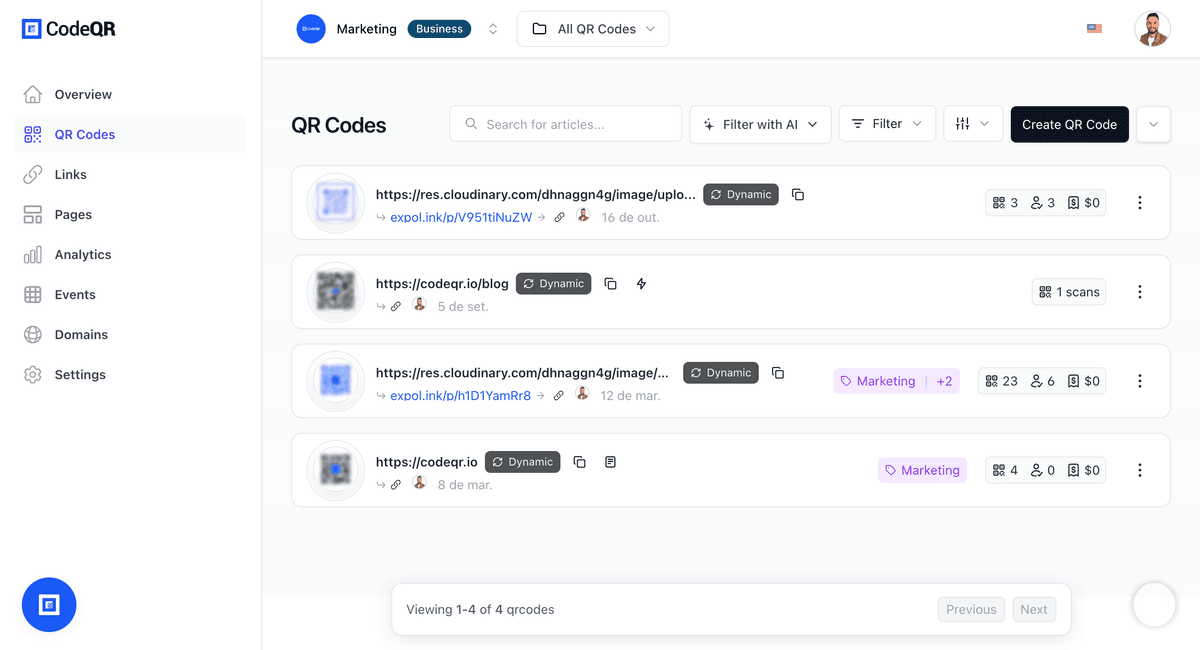
Update the pass after you ship it
Because your QR Code is dynamic, you can change where it points — and every saved wallet pass follows along instantly.
- Edit the destination without reprinting
- Saved passes stay in sync automatically
- Fix typos and swap campaigns anytime
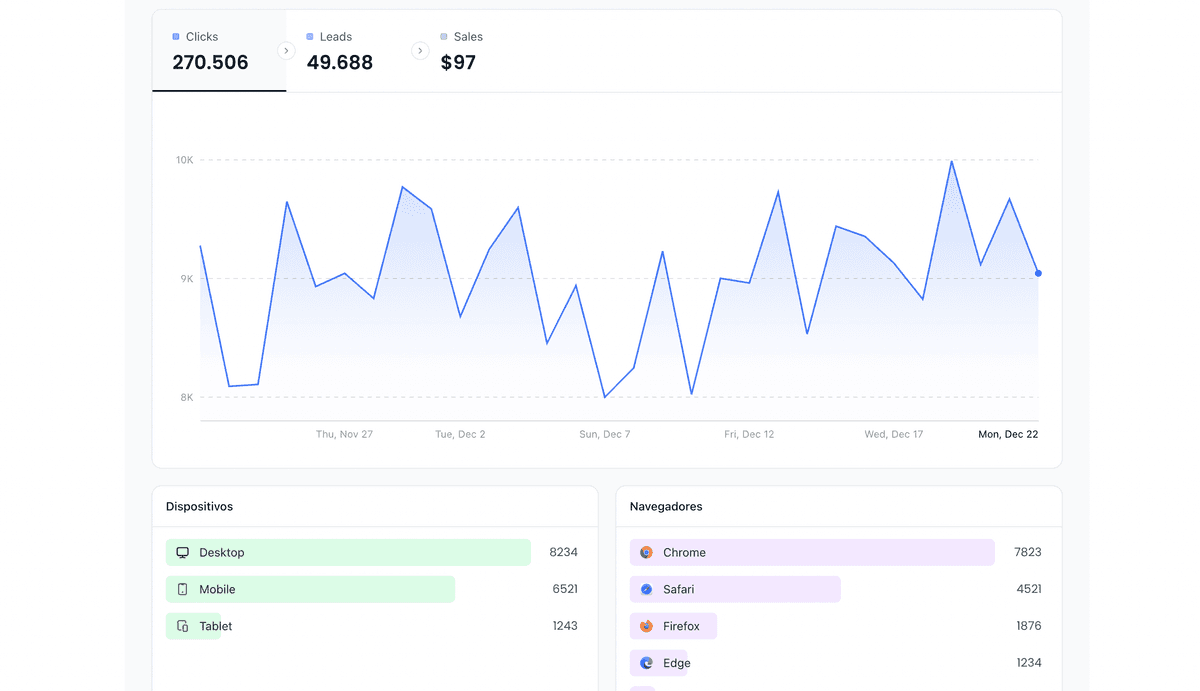
Every scan is measured
Wallet passes keep full CodeQR analytics, so you see who scanned, when, and where — down to device and location.
- Real-time scan analytics
- Location, device, and referrer data
- Export or pipe events to your stack
Why wallet passes convert better
Never lost
- Lives in the native wallet, not a screenshot
- One tap to reopen anytime
- Survives a full camera-roll cleanup
Brand-safe
- Your logo, colors, and copy on the pass
- No third-party branding on the pass
- Consistent across Apple and Google
Built for scale
- Issue passes in bulk
- Programmatic passes via API
- Reliable at high volume
Step-by-step guides
Learn how to add your QR code to a mobile wallet.
Wallet passes, answered
No. Apple Wallet and Google Wallet are built into iPhone and Android. Your audience taps one button and the pass is saved — no download required.
Yes. Because CodeQR passes wrap a dynamic QR Code, you can change the destination at any time and every saved pass updates automatically.
Every scan from a wallet pass is captured in your CodeQR analytics, including time, location, device, and referrer.
Yes. You control the logo, colors, and text on the pass so it matches your brand on both Apple and Google Wallet.
You can generate wallet passes at scale, including programmatically through the CodeQR API for events, memberships, or campaigns.
Wallet passes are available on the Business plan and higher, and not during a trial. See the pricing page for the current plan details.