

A QR code for product packaging is a URL QR printed on your box, label, or film that opens a product page, care instructions, or a warranty form when a shopper scans it. Make it a dynamic code so you can change the destination — a recall notice or an updated page — later, without reprinting a single unit.
What it's for
A QR code on packaging turns a printed surface into a link. Shoppers point their phone camera at the code and land on whatever you choose: a product detail page, step-by-step instructions, an ingredient or sourcing page, or a warranty registration form built as a Page. A 2025 GS1 US survey found 79% of consumers are more likely to purchase products with a scannable QR code that provides additional product information.[^1] This page covers marketing and product-info QR codes — CodeQR is not a GS1 Digital Link platform, so it is not for 2D-barcode-at-checkout or point-of-sale scanning.
How to create your qr code for product packaging
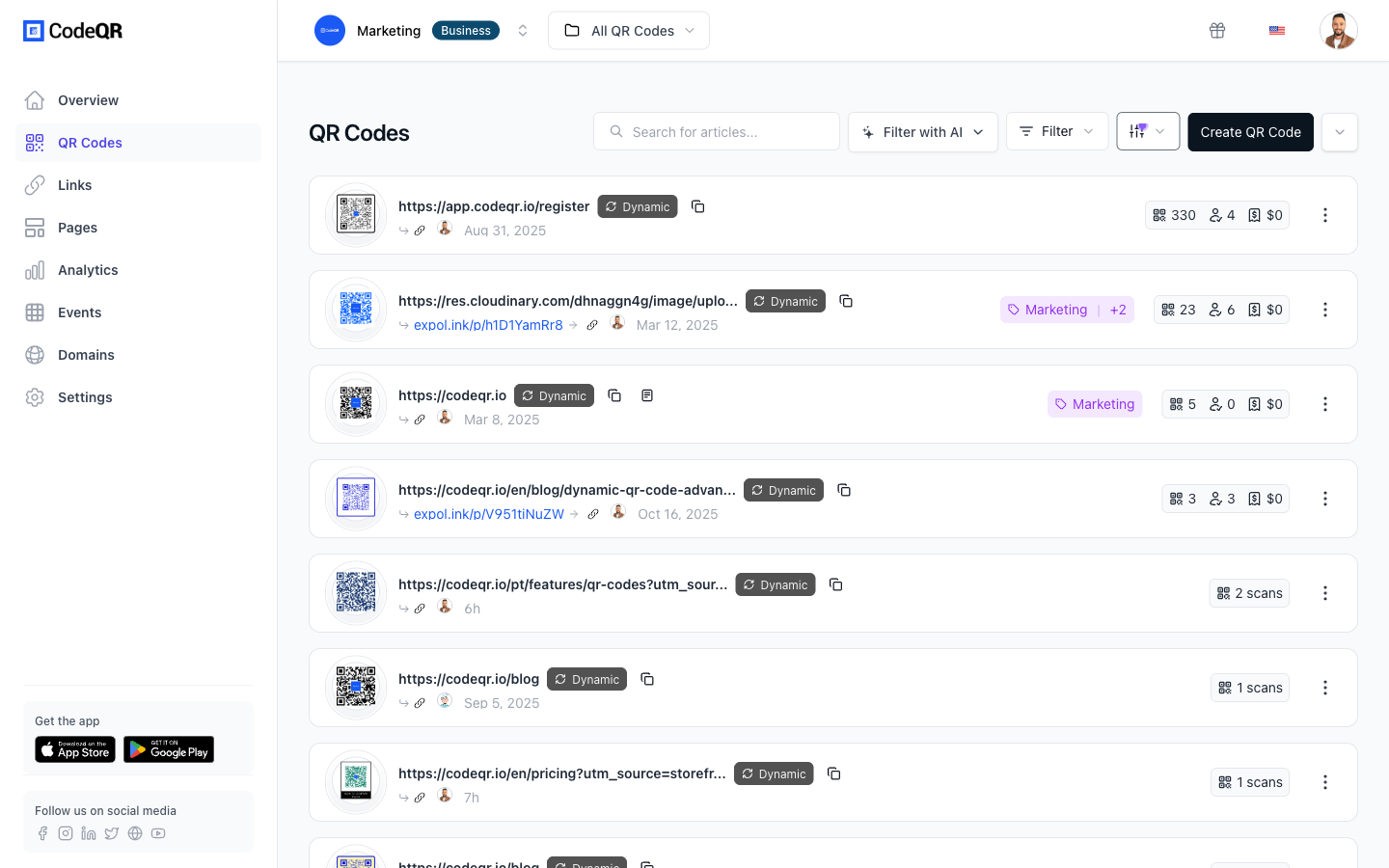
- Create a URL QR code. Open the QR code generator and choose a URL type. Keep it dynamic so the destination stays editable after printing.
- Point it to the right page. Send scanners to your product page, care instructions, or a warranty registration form. Use a UTM builder to tag the link so packaging scans show up separately in your analytics.
- Customize the design and add a logo. Upload your logo, set brand colors, and add frame text such as "Scan for setup guide" so the code reads as a deliberate part of the label.
- Plan for the surface. On curved bottles, laminated boxes, or small labels, part of the code can stretch or catch glare. QR codes carry built-in error correction that absorbs much of this — print the code at least 2 cm wide and test a scan on the real material before the production run.
- Batch-create one code per SKU or lot. Use the bulk API to generate up to 100 QR codes per call, giving each SKU or production lot its own dynamic destination.
- Track scans and repoint as needed. Review per-code scan analytics, and if a page moves or a recall lands, change the destination without reprinting film.
Practical example
Consider a small skincare brand printing a QR code on the back label of a glass jar. The label is small and the surface curves, so the team prints the code at about 2 cm wide, leaves a clear quiet-zone margin around it, and relies on the code's built-in error correction — at the highest level, H, roughly 30% of a damaged or obscured code can still be recovered.[^2]
Each product line gets its own dynamic code created through the bulk API, so one call can cover a full season of SKUs. The destination starts as a "how to use" page. Later, when the brand adds a refill program, the team repoints the same printed code to the new page — no relabeling, no wasted stock.
If a lot ever needs a correction notice, the brand changes that one lot's destination and leaves every other code untouched. Because the packaging link carries its own UTM tag, the team can compare scans from the jar against scans from other channels instead of guessing.
Best practices
- Size for the scan distance. Print each code at least about 2 cm wide for a hand-held scan, and scale up for shelf or box displays. A rough guide is 1 cm of code per 10 cm of expected distance.
- Leave the quiet zone. Keep a clear margin of at least four modules around the code. Text, seams, or artwork crowding the edge is a common cause of failed scans on packaging.
- Respect what the surface does to a code. Flat cartons are forgiving; curved, glossy, or small-label surfaces distort modules and catch glare. Error correction tolerates a lot of that, but bigger print size and strong contrast are what you actually control.
- Keep strong contrast. Use a dark code on a light background. Low-contrast or inverted color schemes read poorly under store lighting, and metallic or reflective film makes it worse.
- Choose dynamic over static. A static code is locked to its data forever. A dynamic QR code lets you fix a broken link, post a recall, or update a page without reprinting — see pricing for the plan that fits your volume. More than 100 million U.S. smartphone users scanned a QR code in 2025, so a broken destination is a visible miss.[^3]
[^1]: GS1 US, "Sunrise 2027." https://www.gs1us.org/industries-and-insights/by-topic/sunrise-2027 (verified 2026-07-07). [^2]: QR Code (Denso Wave), "Error correction." https://www.qrcode.com/en/about/error_correction.html (verified 2026-07-07). [^3]: Statista, "Number of smartphone QR code scanners, USA." https://www.statista.com/statistics/1337584/number-of-smartphone-qr-code-scanners-usa/ (verified 2026-07-07).