
Find out where your clicks and scans come from
Read the Countries, Devices, Referrers and URLs cards in CodeQR Analytics — what (direct) means, how accurate cities are, and which plans open each card.

By the end of this guide you will read the breakdown cards in Analytics with the right amount of trust: which country and city a click came from, on what device and browser, from which site or app, and to which destination it went.
Availability
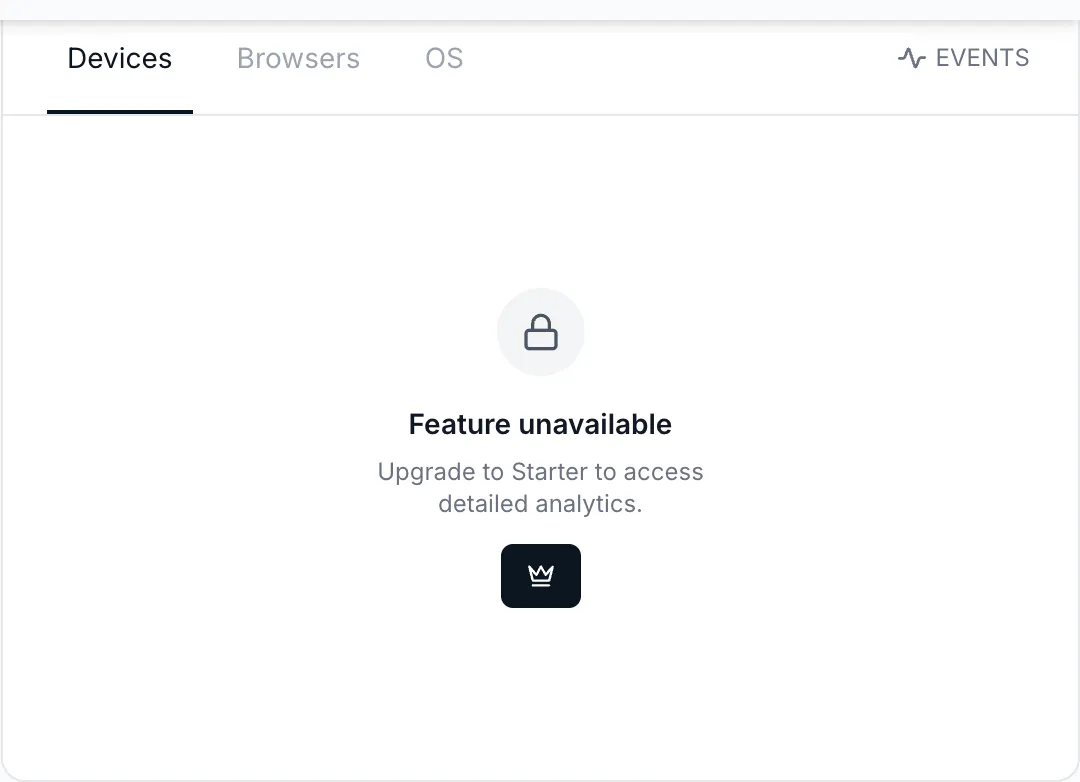
- Plan: Countries / Cities / Continents on all plans (Free shows only the top rows and blurs the rest); Devices / Browsers / OS and Referrers / Referrer URLs from Starter; the UTM card from Pro. Locked cards say Feature unavailable — Upgrade to Starter to access detailed analytics.
- Where: Analytics → Overview, below the chart. The same data is on a link's public analytics page and in the API (
groupBy=countries,cities,continents,devices,browsers,os,referers,referer_urls,top_urls).
Before you start
- Every card counts events, not people. Ten opens by ten phones in Brazil and ten opens by one phone every 6 minutes both read Brazil 10.
- Cards show all event types together — clicks, QR scans, and page views — unless you narrow with Filter → Trigger. The counters at the top of the page already split them.
- Location and device come from the request that hit the short link: the visitor's network address decides the location, the browser's user agent decides device, browser, and operating system. Neither is stored; only the derived values are.
Steps
- Open Analytics, set the period, and scroll to the cards. Cards load when they come into view.
- Countries / Cities / Continents — one row per place, with a flag, the count, and a bar. Country is reliable; city is approximate (mobile networks and VPNs often resolve to a nearby city or the carrier's hub). Click a row to filter the page by that place.
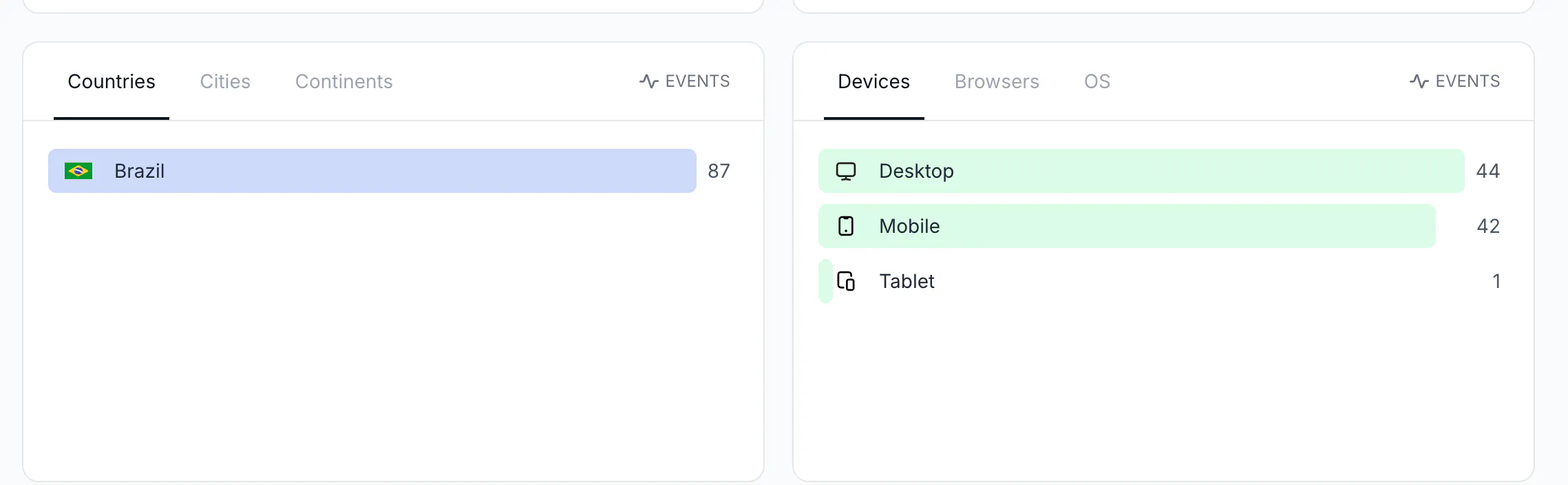
- Devices / Browsers / OS — Desktop, Mobile, or Tablet; browsers such as Chrome, Mobile Safari, Safari; systems such as iOS, Android, Windows, Mac OS. QR scans are almost always Mobile; a scan that reads Desktop usually came from a link checker or from someone opening the short link on a computer.
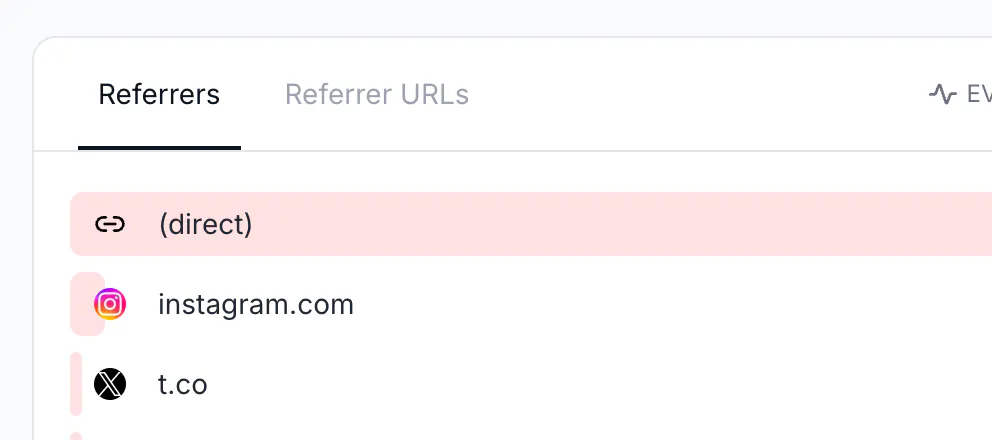
- Referrers / Referrer URLs — the site the visitor came from (
instagram.com,t.co,mail.google.com) and, in the second tab, the full page URL when the browser sent it. (direct) means no referrer was sent: QR scans, links opened from apps (WhatsApp, Telegram, native mail clients), pasted or typed links, and some HTTPS-to-HTTP moves all show as (direct). Social apps often sendl.instagram.com,lm.facebook.com, ort.co— their link wrappers — rather than the app name.
- Links / QR Codes / URLs — the top card lists which links and codes received the events. Select one link (click its badge in the list or use Filter → Link) and the URLs tab appears with the destinations that link sent people to. It is where you read the result of Smart Rules: each rule's destination is a separate row. Targets set with the iOS, Android, or country fields of the link builder are recorded under the default destination.
- Source / Medium / Campaign / Content / Term — UTM values of the links, from Pro. See Measure UTM campaigns on links and QR codes.
- Combine: click Mobile in Devices, then look at Referrers — you now see where mobile clicks came from. Remove the chip to go back.
The same through the API
GET https://api.codeqr.io/analytics?event=clicks&groupBy=countries&interval=24h&linkId=<id> returns [{"country":"BR","clicks":9}]; groupBy=cities adds "city":"São Paulo"; groupBy=devices returns [{"device":"Mobile","clicks":7,…},{"device":"Desktop","clicks":2,…}]; groupBy=referers returns [{"referer":"(direct)","clicks":7,…},{"referer":"instagram.com","clicks":1,…}]; groupBy=top_urls&linkId=<id> returns the destinations. Add types=qrcode or types=link to keep only scans or clicks. The API returns every card on every plan; the locks are only in the app.
Verify it works
- Open your short link on your phone from a message you sent yourself on WhatsApp.
- Wait two to three minutes.
- Countries shows your country, Devices shows Mobile, OS shows iOS or Android, and Referrers shows (direct) — apps do not send a referrer. Now paste the link in a post and open it from Instagram: the referrer reads
l.instagram.comorinstagram.com.
Troubleshooting
A city I never advertised in shows up
City is derived from the network address, which mobile carriers and VPNs often route through another city. Read country as reliable and city as a hint. A few scans from a far away place are usually the printing house, a colleague, or a link checker.
Everything is (direct)
Expected for QR codes and for links shared in messaging apps and emails: nothing sends a referrer. To attribute those channels, put UTM parameters on the destination and read the UTM card instead.
The card shows more events than the Clicks counter
Cards add clicks, scans, and page views. Set Filter → Trigger → Click on link to see clicks only, or read the counters.
A device shows Desktop for a QR code
Someone opened the short link on a computer (for example from a PDF), or an automated checker requested it. Bots that identify themselves are not counted; a plain browser or a HEAD request is.