
Download a copy of your data
Export your personal data from CodeQR as a JSON file, see what the file contains and what it leaves out, and where to get your links and scans.

CodeQR can hand you a JSON file with the personal data it holds about you and a summary of what you have created. It is the answer to a data-portability request under the GDPR or the LGPD, and it takes one click.
Availability
- Plan: every plan.
- Where: Account → Settings.
Steps
- Open Account → Settings.
- Find Export your data.
- Select Export.
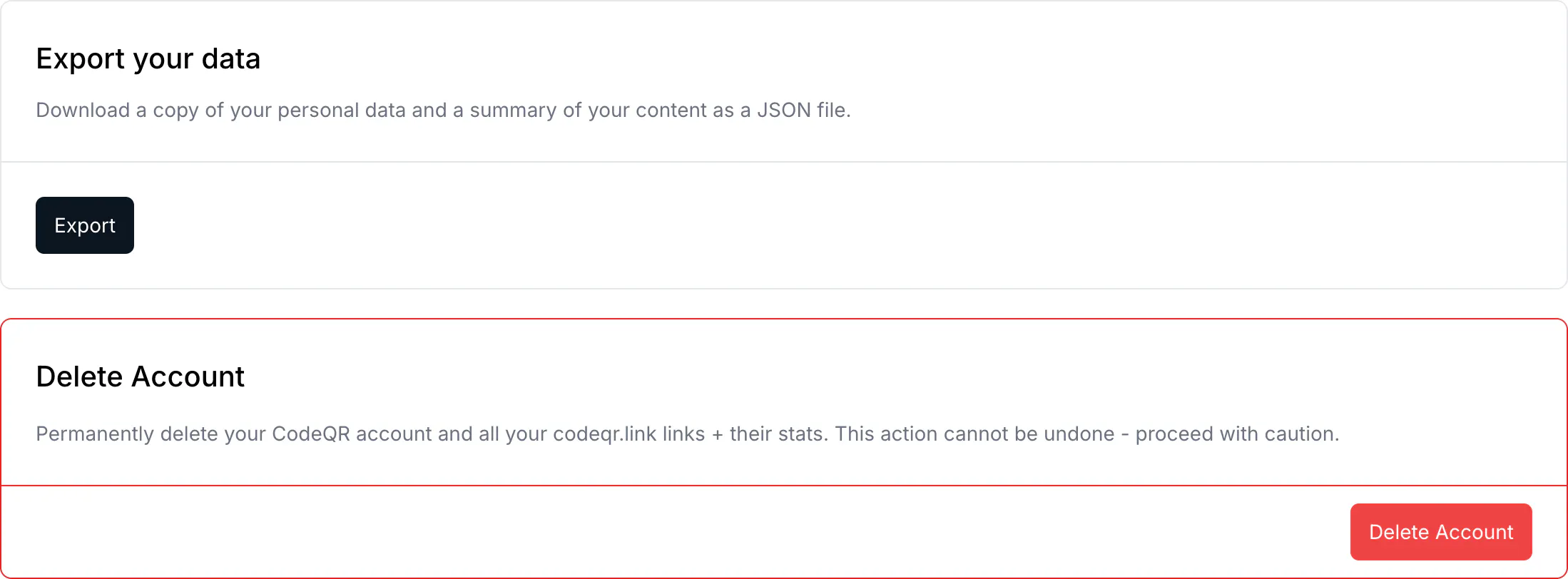
The browser downloads a file named codeqr-data-export-<date>.json.
What is in the file
profile— What it holds: Name, email, country, when you joined, last sign-in, avatarattribution— What it holds: The UTM values from the visit that brought you to CodeQRaffiliate— What it holds: Referral code, earnings and payout details, if you joined the programconnectedAccounts— What it holds: Which providers your account is linked to, by namesessions— What it holds: How many sessions are active — a count, nothing moreworkspaces— What it holds: Each workspace you belong to and your role in itcontent— What it holds: How many links, QR codes and pages you have
What is not in it, and where to get it
The export is an inventory, not a dump. It tells you how many links you have, not what they are.
- Your links and QR codes come from the CSV export inside each workspace.
- Clicks and scans come from Analytics — see Measure campaigns with the UTM report.
- Leads collected by a page come from that page's own responses.
- Passwords, API keys and integration credentials are never in the export. They are not readable by anyone, including CodeQR.
Verify it works
Open the downloaded file in any text editor. The first key is export, with the date it was generated. If profile.email is the address you sign in with, you have the right file.
Troubleshooting
Too many export requests
Two exports an hour, per account. The third answers Too many export requests. Please try again in an hour. The file does not change minute to minute, so the one you already have is almost certainly current.
Nothing downloaded
Check whether the browser blocked it. The export arrives as a file download, and a blocked-popup notice in the address bar is the usual cause.
The workspace data is missing
The export covers you, not the workspaces you belong to. A workspace's links, QR codes and analytics belong to the workspace and are exported from inside it — see Manage your workspace.
You need this for a data request from a customer
This file is your own data. If a visitor who filled in one of your forms asks you for theirs, that lives in the page responses, and you are the controller of it.