
Delete your account
Deleting a CodeQR account starts with the workspaces you own. Here is the order that works, what happens to your links, and what cannot be undone.

Deleting your account is permanent and there is one thing to do first: hand over or delete every workspace you own. CodeQR refuses the deletion until you have.
Availability
- Plan: every plan.
- Where: Account → Settings.
Before you start
- Download your data, if you want to keep any of it — Download a copy of your data. After the deletion there is nothing to export.
- Deal with the workspaces you own. Each one has to be transferred to another member or deleted.
- Cancel a paid subscription on any workspace you are deleting — Cancel your subscription.
Workspaces where you are a member and not the owner need nothing. You are removed from them along with the account.
Steps
- Open each workspace you own and either transfer ownership to another member or delete the workspace. Transferring requires that the other person is already a member — see Roles and permissions.
- Open Account → Settings.
- Find Delete Account and select it.
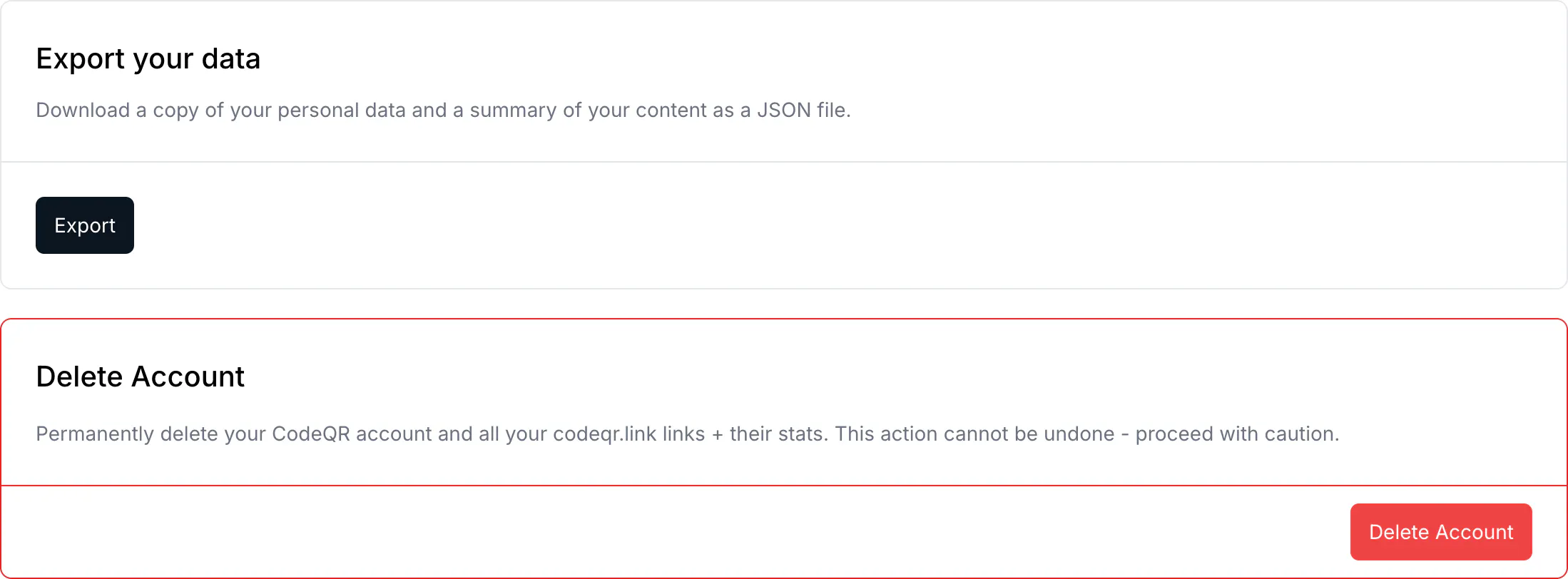
- Confirm in the dialog.
What the card says, and what actually happens
The card reads Permanently delete your CodeQR account and all your codeqr.link links + their stats. That is the outcome once you get there, but it is not what the button does while you still own a workspace.
In that case the deletion stops with:
You must transfer ownership of your projects or delete them before you can delete your account.
That message is step 1 telling you it has not been done. It appears in English even when the rest of the interface is in another language.
What is gone, and what stays
- Your account is deleted, and the personal data attached to it is removed.
- Links and QR codes on
codeqr.linkthat belonged to you are deleted with their statistics. Anything printed stops resolving. - Workspaces you transferred carry on with their new owner, including every link, QR code and scan in them. Nothing in them is yours to take.
- Your avatar is removed from storage, and you are unsubscribed from CodeQR emails.
Verify it works
You are signed out and the address no longer opens an account. Signing up with the same email later creates a new, empty account — it does not bring anything back.
Troubleshooting
You must transfer ownership of your projects
You still own at least one workspace. Open the workspace switcher, go through each one, and check your role in Settings → People. Owner is the role that blocks the deletion.
You are the only member of a workspace you want to keep
You cannot transfer it to nobody. Invite the person who should own it, wait for them to accept, transfer, and then delete your account.
You want to stop paying but keep the account
That is a different job, and a smaller one — Cancel your subscription. The workspace drops to the free plan and your links keep working.
You changed your mind after deleting
There is no undo and no grace period. The data is gone.