
Links
Latest posts
Add comments to a link or QR code
Leave a private note on a link or QR code so you and your team remember why it exists, what it was for, and what has to change later.
How to create password-protected links in CodeQR?
Learn how to protect your short links with a password in CodeQR to prevent unauthorized access.
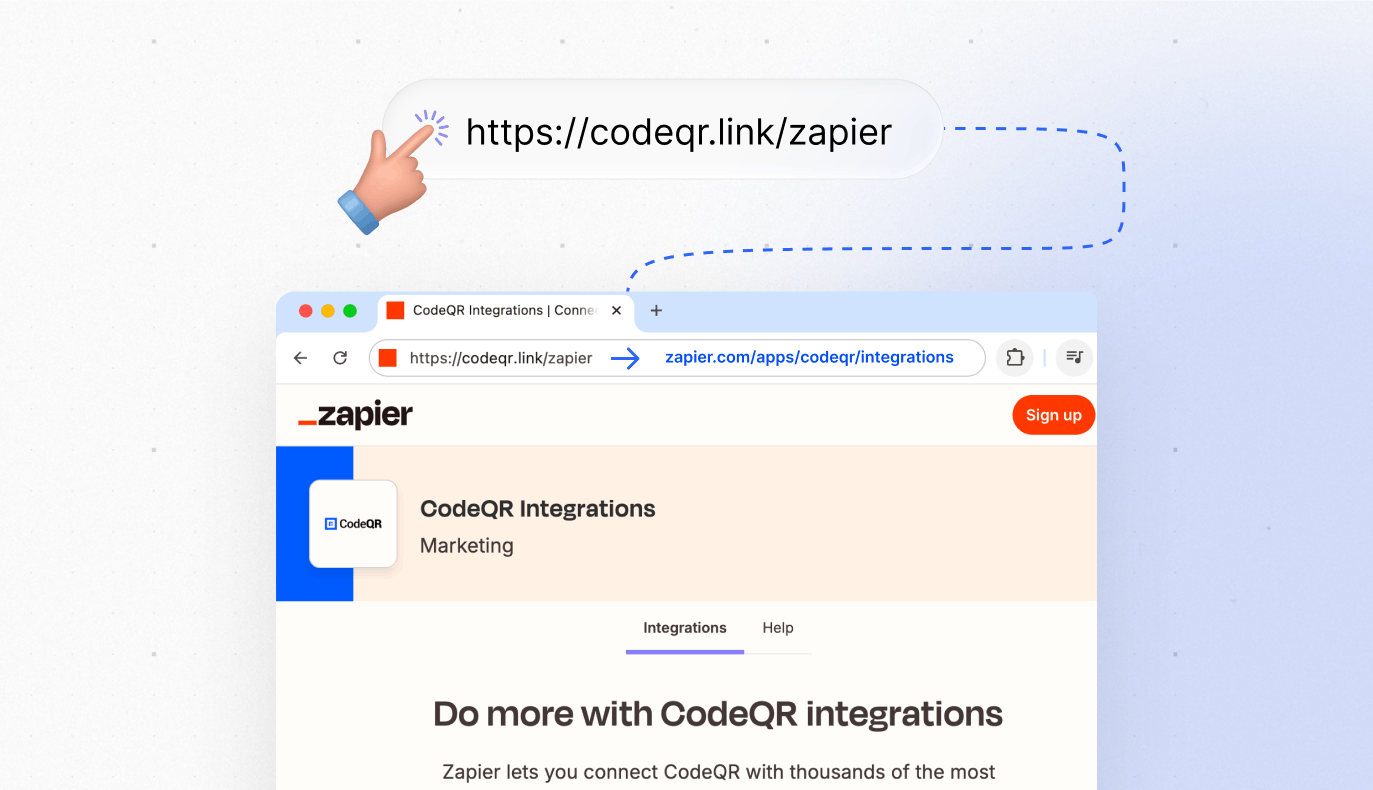
Link Cloaking in CodeQR: How to Mask URLs
Learn how to use link cloaking in CodeQR to mask destination URLs with short links.
The form did not show or the lead did not arrive
Symptom-by-symptom fixes: form does not appear or appears once, fails in Instagram, blank Google Form, grey button, lead missing from Events or Zapier.
How Smart Rules choose a destination — and why it differed
The exact order CodeQR evaluates Smart Rules, cloaking, iOS/Android and geographic targeting; how split traffic sticks; what bots and link previews get; geolocation accuracy; and a symptom-by-symptom troubleshooting list.
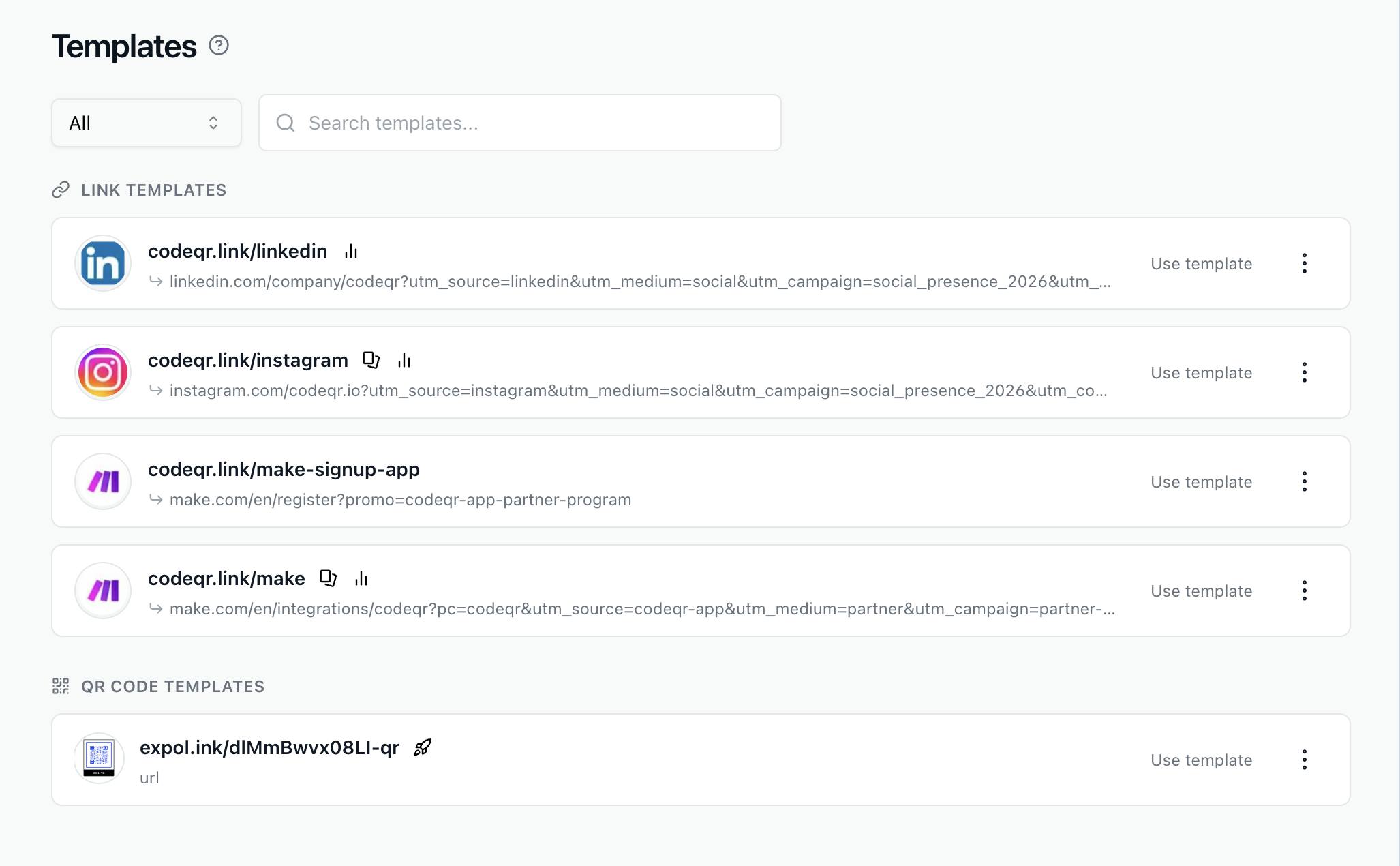
Duplicate Links & QR Codes + Templates
Learn to duplicate links/QR codes & use templates in CodeQR. Copy settings, UTM tags & designs in just a few clicks.
Smart Rules reference: attributes, operators, and values
Every Smart Rules attribute, operator and accepted value — device names, country, region, continent and language codes, referrer and UTM formats — plus limits, validation messages, precedence and plan availability.
Split one link's traffic to A/B test destinations
Link rotator for A/B tests — split one short link or QR code between 2–4 landing pages by percentage, keep each visitor on the same variant, read clicks and conversions per destination, and end the test — in the app, API or MCP.
Keep your short links out of search results
How Search Engine Indexing works on a CodeQR short link, what the noindex header does, and when to let a link be found on Google.
Set an expiration date for your links
Make a CodeQR short link stop working on a date and choose where late visitors land — with the timezone rule and what people see afterwards.
Use a Google Form or Typeform before the redirect
Show a Google Form, Typeform or Tally form when someone opens your link or scans your dynamic QR code, then continue to the destination. Limits and tests.
Geo redirect by country, region, city, or language
Send visitors to a localized page by country, state, city, continent or browser language with one short link or QR code — steps, API and MCP examples, and what IP geolocation can and cannot do.
Capture leads with a form before the redirect
Show a lead-capture form when someone opens your short link or scans your dynamic QR code, then send them to the destination. Plans, leads, guides.
Create a short link and set advanced options
Create a short link in CodeQR, pick the domain and key, add an internal note, and find the advanced option that solves your problem.
Add a lead form to a QR code or short link
Build a CodeQR Page form, attach it to a short link or dynamic QR code as a Pre-redirection form, test it and read the first responses. With API call.
Add UTM parameters to a short link
Use the UTM Builder to tag a CodeQR short link for Google Analytics — where the parameters are stored, what overwrites them, and how to check.
Route campaign traffic by UTM or referrer
Send newsletter, ad or social traffic to its own landing page from one short link, using UTM parameters on the link or the referring site — steps, API, MCP and the cases where the referrer is empty.
Choose a custom key for your short link
Pick the ending of your CodeQR short link — allowed characters, length rules, what changing a key breaks, and the errors you may see.
Make the form required or let visitors skip it
Mandatory Forms? removes the close button; otherwise visitors can skip. What happens after submit or skip: same short link, Smart Rules, WhatsApp, cookie.
Set a custom link preview image and title
Choose the image, title and description that appear when your CodeQR short link is shared on WhatsApp, Facebook, LinkedIn, X and Slack.
Fix a short link that opens the wrong page
Why a CodeQR short link opened something unexpected — the order options are applied, caches, blocked shorteners, in-app browsers and stray clicks.
Where your leads go: Responses, Customers, CSV, CRM
Where a Pre-redirection form lead can land: Responses and CSV, Customers, Events, email, CRM connectors, webhooks, Zapier — and the setting that decides.
Send each visitor to the right destination with Smart Rules
Smart Rules route one short link or QR code to different destinations by device, country, language, campaign, referrer — or split traffic for an A/B test.
Pre-redirection form reference: fields, plans, and cookies
Plans per capability, UI labels and API fields, visitor cookies, what the modal shows, field types and limits, validation messages, and what is.
Send iOS and Android visitors to their app store
One link or QR code that opens the App Store on iPhone, Google Play on Android and your website everywhere else — set up in the link builder, the API or MCP.
Let the recipient choose the destination of a link
Create a flexible link in CodeQR, send the exclusive link to whoever knows the destination, and let them set it without access to your workspace.
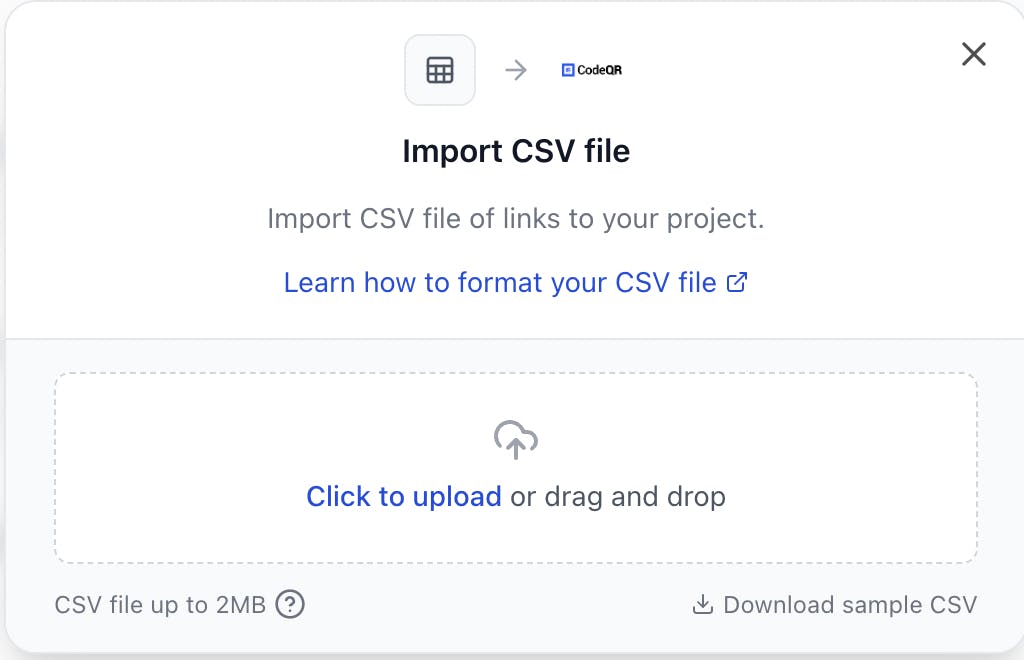
How to Import Links from a CSV File
Learn how to easily import your links from a CSV file into CodeQR. Perfect for bulk link imports or migrating from other providers.