
Getting Started
Latest posts
Choose the right QR code type
A QR code can join a Wi-Fi network, open WhatsApp, save a contact or receive a Pix. Pick the type that does the job and know what it costs you.
Choose between dynamic and static QR codes
Dynamic QR codes encode a short link you can re-point and measure; static codes bake the content into the image. Plan limits and how to convert.
Track leads and sales from your links and QR codes
Connect a click on a CodeQR link or QR code to the sign-up and the sale it produced — what the chain needs, which plan, and where the results show up.
Sign in to CodeQR
Sign in with Google, Apple, LinkedIn, GitHub or your email address, and find out what to do when the password field or the code prompt appears.
Create a contact form QR code
Build a contact form on its own web address, point a QR code at it, and start receiving messages from anyone who scans the code.
How to create password-protected links in CodeQR?
Learn how to protect your short links with a password in CodeQR to prevent unauthorized access.
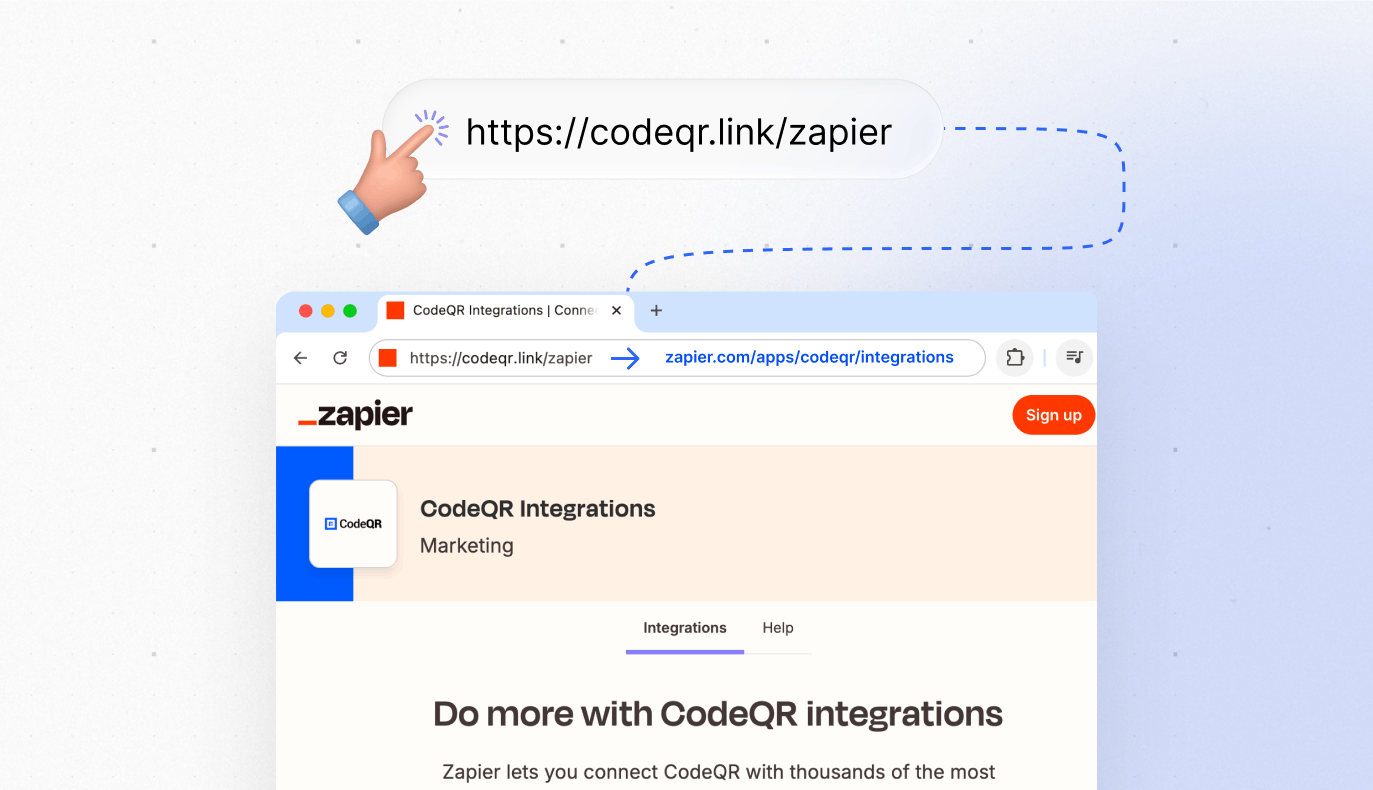
Link Cloaking in CodeQR: How to Mask URLs
Learn how to use link cloaking in CodeQR to mask destination URLs with short links.
Connect your own domain to CodeQR
Use your own domain for CodeQR short links and QR codes. What to prepare, how many domains each plan allows, and what changes once it is live.
Choose between folders and tags to organize links
Folders answer where a link lives, tags answer what it is about. How to pick before you have a thousand links, and what each one costs to change later.
Automate CodeQR: API, MCP, Zapier, Make, n8n and webhooks
Which route automates short links and QR codes best — REST API, MCP for AI assistants, Zapier, Make, n8n, IFTTT or webhooks — and what each plan includes.
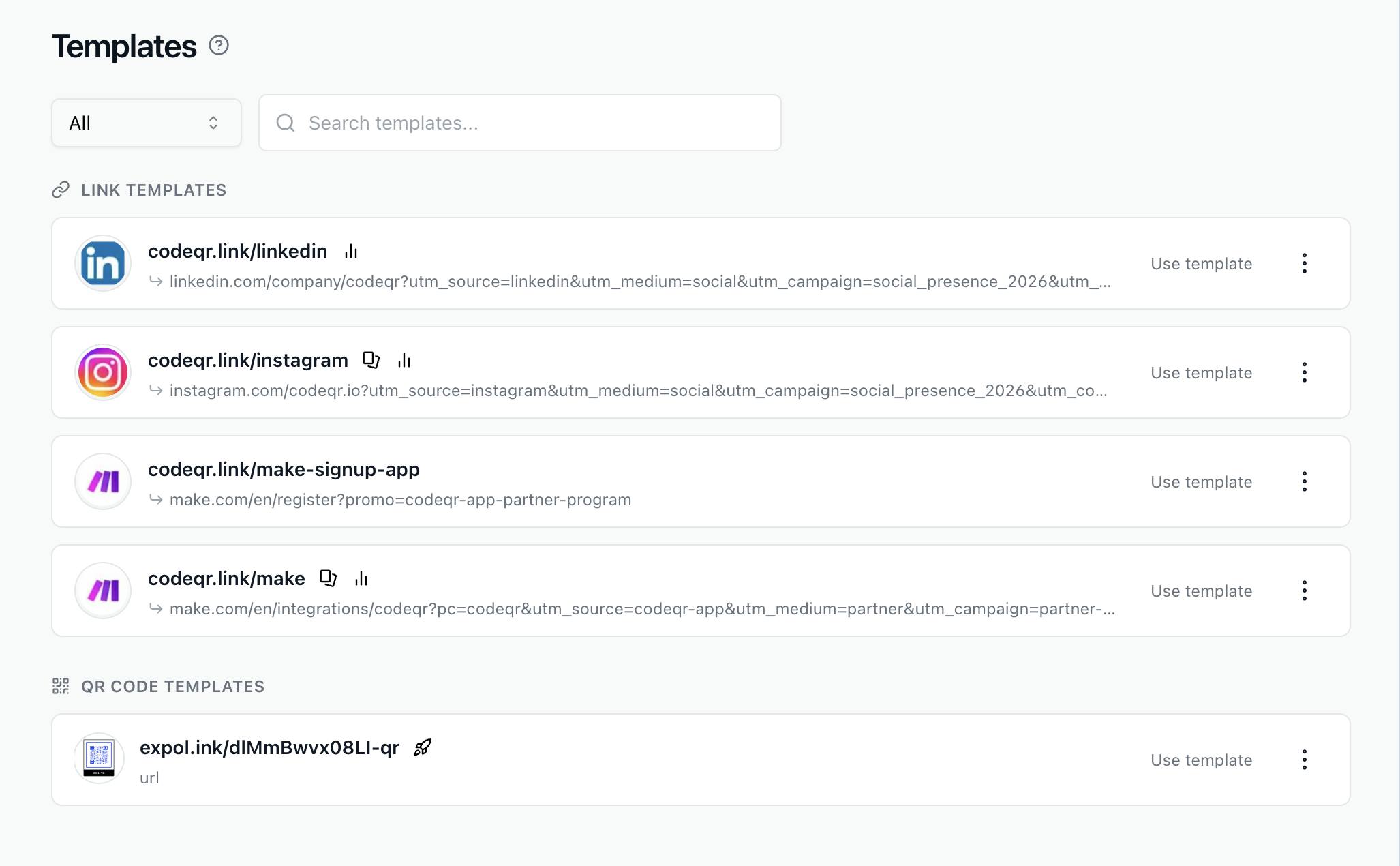
Duplicate Links & QR Codes + Templates
Learn to duplicate links/QR codes & use templates in CodeQR. Copy settings, UTM tags & designs in just a few clicks.
Track link clicks and QR code scans in Analytics
Open Analytics in CodeQR to see clicks on your short links and scans of your QR codes — what each number means, what counts, and how to verify it works.
Create a dynamic QR code you can edit after printing
Create a dynamic QR code in CodeQR — it encodes a short link, so you can change the destination after printing and see every scan in Analytics.
Create a short link and set advanced options
Create a short link in CodeQR, pick the domain and key, add an internal note, and find the advanced option that solves your problem.