
Deep Linking: A Practical Guide to Engaging Users in Mobile Apps
Understand deep linking and types like universal links to redirect users, measure campaigns, and personalize user experiences.


Talking about deep linking in the mobile app ecosystem is, in my view, an invitation to think beyond the click. Over the years, following the evolution of digital products, I’ve seen how these links completely transform campaigns, conversion rates, and—most importantly—the user experience. My goal here is to clearly explain how to use this strategy to truly drive engagement, outline the main types of deep links, and present the essential steps to implement them safely in your campaigns, using solutions such as the CodeQR.io platform for link management, analytics, and personalization.
Understanding the Concept in Practice
Deep linking, in a literal translation, means a “deep link.” If I had to summarize it in one sentence, it would be this: it’s a type of link that takes the user directly to a specific page inside an app or website, instead of simply opening the home screen.
If we think about QR Codes connecting the physical and digital worlds—as proposed by CodeQR.io—it makes perfect sense to use URLs that take users exactly to the content they’re looking for. In marketing terms, the impact is significant: more targeted campaigns, better retention, and more granular measurement.
Types of Deep Links: Differences and Use Cases
Throughout my projects, I’ve learned that understanding each variation of deep links is essential for consistent results. The main types are:
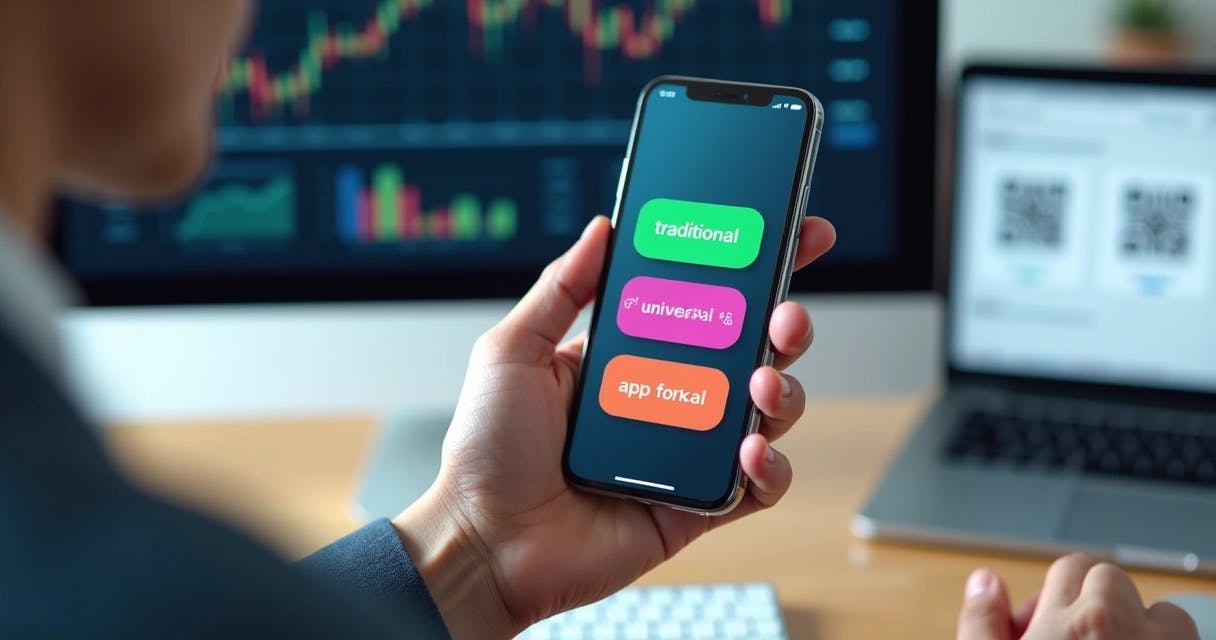
- Traditional deep link: Sends the user to a specific screen within the app, but only works if the app is already installed.
- Deferred deep link: Takes the user to the desired screen even if the app is not installed at the moment. After installation, the link “remembers” the original destination.
- Universal link: The standard used on iOS. It’s secure and flexible—if the app is installed, the user is taken directly to the in-app content; if not, the link opens in the browser.
- App link: Used on Android, working similarly to universal links but adapted to Android’s architecture.
The key is knowing when to use each one. Traditional deep links are ideal for audiences already familiar with the app, while deferred and universal links are better for acquiring new users without losing personalization along the way.
Advantages in Campaigns and Traffic Attribution
When it comes to campaigns, deep links open the door to much more precise segmentation and analysis. For example, you can create personalized links—whether in QR Codes, SMS, email marketing, or social media—that take users directly to a specific product or offer inside the app.
By integrating these links with analytics tools, it becomes possible not only to measure how many users open the app, but also where they drop off in the funnel or complete a purchase. My recommendation is always to use UTM parameters and platforms that support end-to-end tracking, as CodeQR.io does for QR Codes and short links.
Link Personalization and Results Tracking
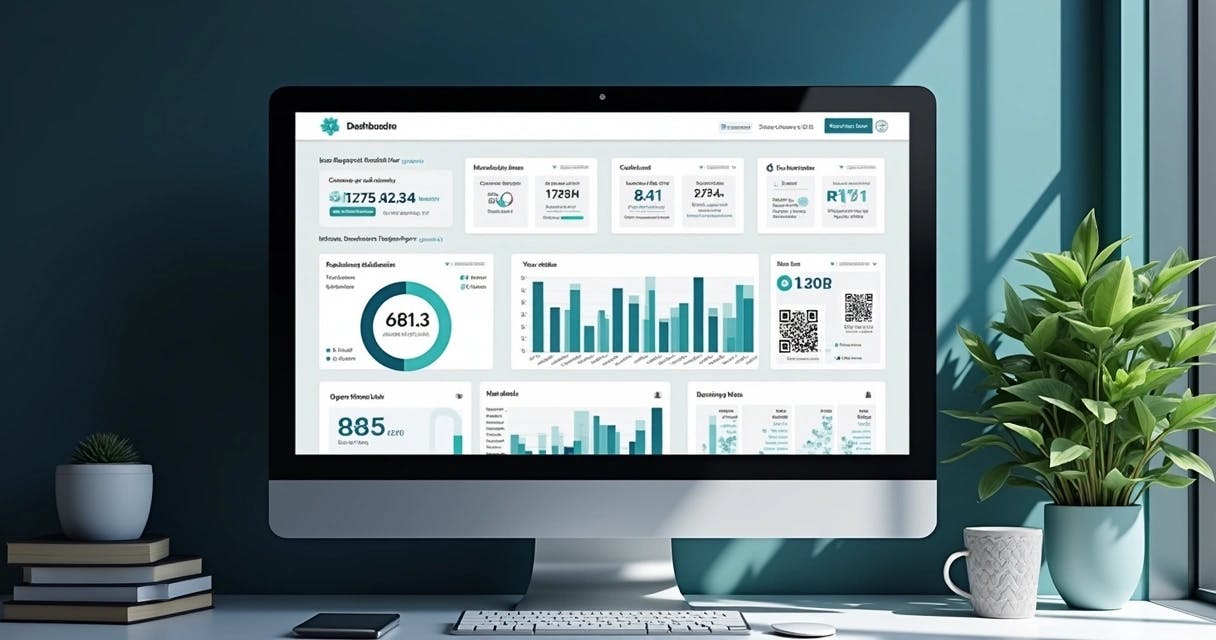
For me, personalizing links and tracking each channel (email, social media, print) is no longer optional—it’s a requirement for marketing managers who want relevance and performance. With personalized links, you can deliver segmented experiences and identify which channels generate the best return, adjusting campaigns in real time.
When I think about the insights provided by interactive dashboards in other data-driven fields, it’s clear that personalized links allow for better decision-making based on real data. This directly impacts user engagement and conversion rate growth.
User Experience: From QR Code to App
In a recent e-commerce campaign, I saw firsthand how linking QR Codes to deep links transformed the customer journey. The user scanned a code on a printed flyer and was taken directly to the checkout screen of a specific product inside the app. There was no confusion, no delay, and no need for manual navigation. This type of experience dramatically increases engagement and reduces friction in the conversion process.
Companies in events, retail, and marketing find this combination especially powerful for connecting offline actions to digital experiences with precision and ease.
Practical Examples: Android and iOS
On Android, deep links can be implemented using custom intents, defined in the AndroidManifest.xml file. When the app receives a link such as myapp://product/123, it opens the corresponding product screen.
On iOS, universal links are implemented by configuring an apple-app-site-association file hosted on your domain. This allows recognized HTTPS links to open directly in the app, provided it’s installed.
In every project, I recommend thoroughly testing behavior on both operating systems, across different browsers and installation states. Small configuration details can make a big difference in the final experience.
Common Mistakes and Best Practices
Some key lessons I’ve learned over the years include:
- Ignoring platform differences (failing to detect Android vs. iOS when creating links);
- Forgetting to configure fallback URLs for cases where the app is not installed;
- Not versioning deep links when major app changes occur, which can break older links;
- Neglecting link security through authentication or encryption, especially for sensitive content.
To minimize errors, I strongly recommend real-world testing, security reviews, and relying on robust integrations—such as those provided by CodeQR.io for companies seeking automation or connections via Zapier and REST APIs.
Analytics Integration and Data Usage
Beyond simply redirecting users, deep links allow you to track behavior in detail. When integrated with analytics tools, they make it possible to identify traffic sources, in-app navigation paths, and high-engagement actions. I’ve seen cases where data visualization dashboards inspired marketing teams to adopt similar approaches for performance analysis.
With solutions like CodeQR.io, it’s possible to view data by location, device, and access channel in real time. This benefits both campaign operators and stakeholders who rely on accurate reporting to optimize strategy.
Best practices include adding parameters to every link, standardizing campaign naming conventions, and regularly validating reports to ensure accurate attribution.
Security, Privacy, and Cross-Platform Configuration
Protecting user privacy is a point I always emphasize with both development and marketing teams. Sensitive data should never be exposed in links; temporary tokens should be used whenever possible; and users should be informed about link destinations when clicking QR Codes or shortened URLs.
Good configurations include enforcing HTTPS, properly setting up domain association files, and defining appropriate app permissions. From a cross-platform perspective, special attention to iOS and Android compatibility helps prevent broken redirects and fragmented user experiences.
Connecting the Physical and Digital: A Business Perspective
In day-to-day operations for companies, agencies, and creators, advanced links and QR Codes bring agility to in-store promotions, event marketing, and internal engagement initiatives. Combining personalized experiences with real-time monitoring is what sustains measurable, long-term results—an approach I also advocate through the use of CodeQR.io.
Deep linking turns a tap into a result.
If you want to scale your apps, connect offline and online campaigns, or simplify the management of QR Codes and personalized links, I recommend trying CodeQR.io. It brings practicality, security, and accurate data together in a single platform.
Conclusion
Building effective app engagement campaigns goes far beyond simply distributing links. The real value lies in the strategic use of deep linking options, personalization, efficient tracking, and a strong focus on user experience from start to finish. Tools like CodeQR.io amplify these efforts, making it easier to connect the physical and digital worlds without friction. If you’re looking for measurable results, higher conversions, and reliable data, now is the time to start testing these practices and exploring what the platform has to offer.
Frequently Asked Questions About Deep Linking
Deep linking is a technique that directs users from an external link straight to a specific screen within a mobile app, rather than just the home screen. This creates a more efficient journey and reduces navigation friction.