
CodeQR Blog
Stay up to date with our latest news and updates
Highlights
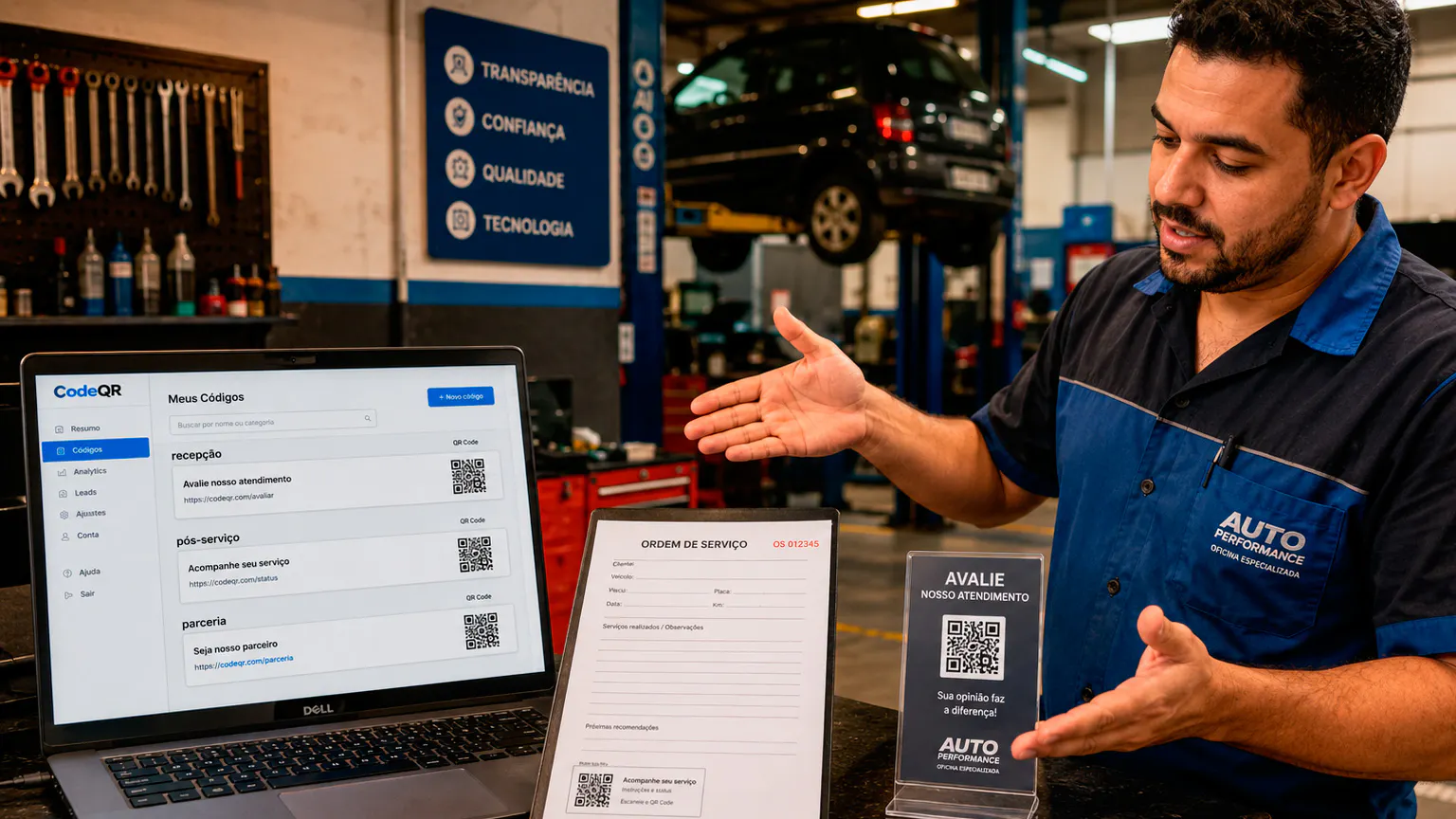
QR Code With Serial Number: How to Put a Unique Code on Every Unit
How to make a QR code with a serial number for each unit: what the code should hold, how to build the URL from a spreadsheet, and how to automate it.
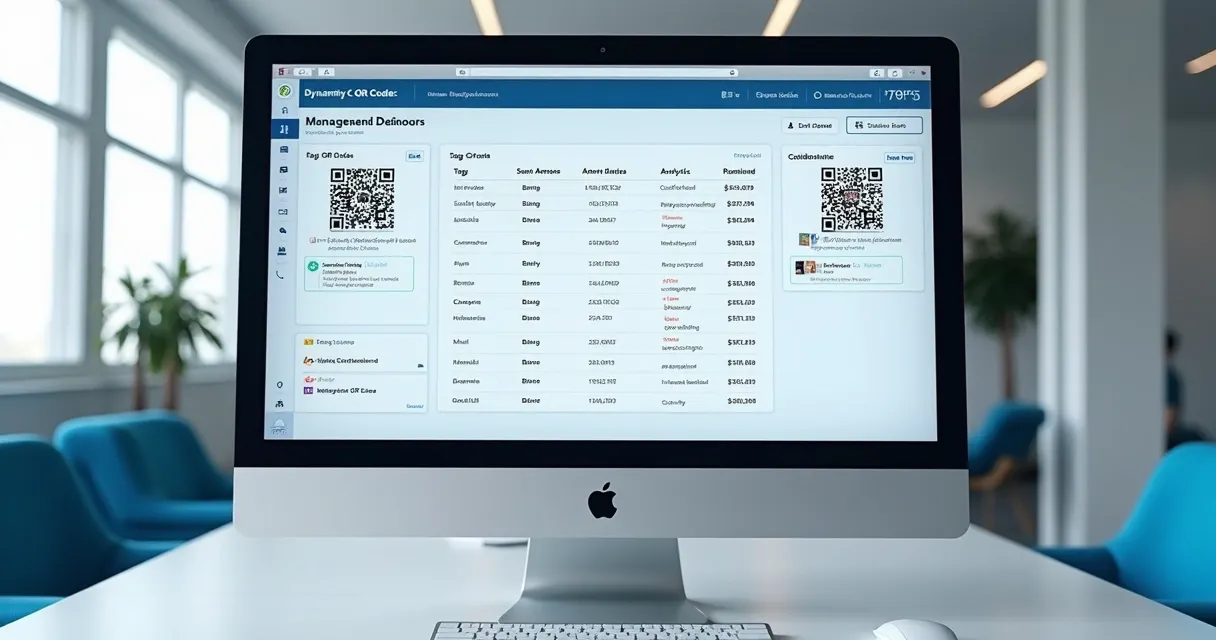
Bulk QR Code Generator: Three Ways to Make a QR Code for Every Row
How to generate QR codes in bulk from a list: a Google Sheets automation, the bulk API for one-off batches, and the API per record for your own app.

QR Code Tickets: One Code per Attendee That Expires After the Event
How to give every attendee their own QR code ticket by email as soon as they register, count each scan and stop the code working after the event.
Recent articles

QR Code Asset Tags: How to Tag Your Whole Inventory
How to make QR code asset tags for a whole inventory from the asset list you already keep: what each tag opens, how to name it, print it and re-tag later.

QR Code Labels: How to Go From a List to Printed Labels
How to make QR code labels from a list: one PNG per row, a mail merge or label tool, text or URL codes, size, contrast, and when to use dynamic codes.

Excel QR Code Generator: Make One QR Code for Every Row
How to turn a list in Excel into one QR code per row: what a spreadsheet can and can't do alone, and three routes that keep your list as the source.

Create Multiple QR Codes: Pick the Route That Fits Your Records
How to create multiple QR codes at once, depending on where your records live: a spreadsheet, a serial number list, labels, an inventory, a registration list or your own app.
QR Code API: Create QR Codes from Your Own System
How to create QR codes through the CodeQR API: the request, the response, bulk creation, your own record IDs, errors, and a no-code option for systems that send webhooks.

Apple Pay QR Code: Can You Make One, and What Works Instead
Apple Pay has no QR code you can make to get paid. Here is how Apple Pay and Apple Cash actually work, and how a business can take Apple Pay from a printed QR code.

Flowcode Pricing 2026: Free, Pro Plus and Growth Plans Compared
What each Flowcode plan costs per year, monthly vs annual billing, the cost per dynamic code, what the Free plan includes, and what happens to codes if you downgrade.

QR Code IO Charge: What the QR-Code.io Fee Is and How to Cancel
What a QR-Code.io charge on your card statement is, whether QR Code IO is free, how its trial renews, how to cancel, refunds, and what happens to your codes.

Do QR Codes Expire? Static vs Dynamic, Canva, Adobe and Bitly
A QR code image never expires, but the link behind a dynamic code can stop. When codes stop working, what Canva, Adobe Express and Bitly say, and how to avoid it.




Teams already running their codes on CodeQR
Product teams, agencies and developers use CodeQR to create codes from their own systems and change destinations without reprinting. Every scan lands in their reports.










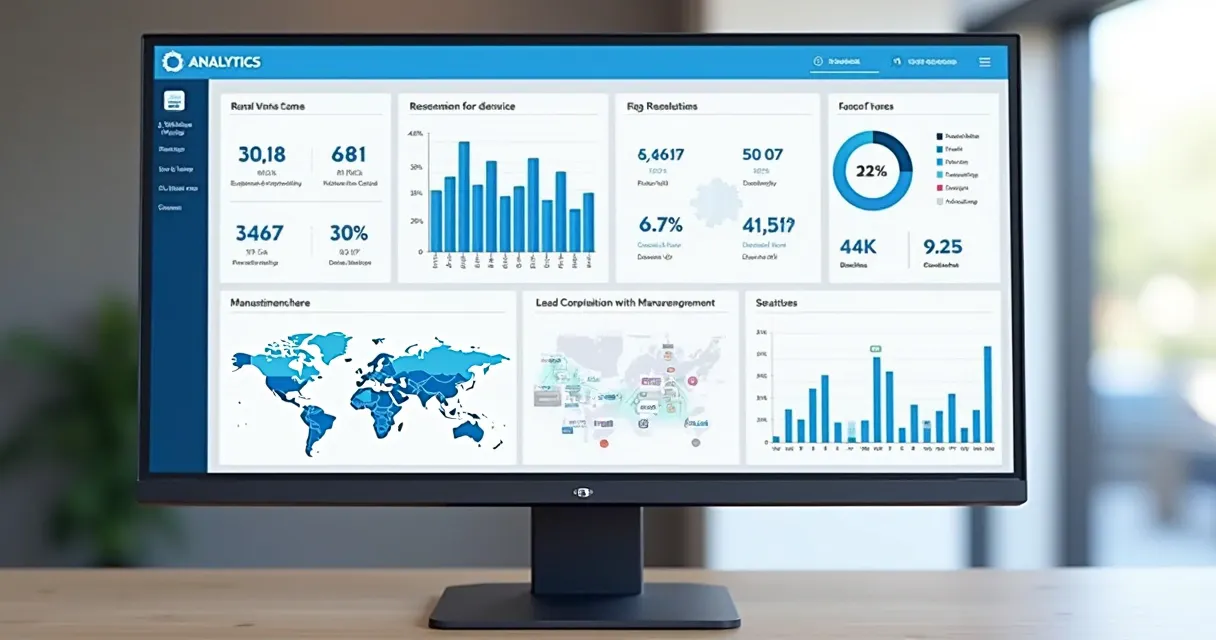
What you can do after the code is out
Change where a code points, send visitors to different pages by device or location, capture leads, and push each scan to your own tools, with no change to the printed code.
UTM Builder
Add UTM parameters to track campaign performance with integrated tracking of source, medium, campaign, term and content.
Conversion Tracking
Monitor conversions and measure the effectiveness of your marketing campaigns with detailed analytics.
QR Code Analytics
Track QR code scans with detailed insights about location, device, time and user behavior.
Real-time Analytics
Monitor performance in real-time with live dashboards and instant notifications.
Pre-redirection Forms
Capture leads before redirecting users with customizable forms or integrate with external platforms.
REST API
Integrate CodeQR into your applications with our comprehensive REST API for automation.
Webhooks
Receive real-time notifications when links are clicked or QR codes are scanned via webhooks.
Social Media Previews
Customize how your links appear when shared on Twitter, Facebook, LinkedIn and other social platforms.
Custom Social Cards
Create beautiful preview cards with custom images, titles and descriptions for social media sharing.
QR Code Customization
Brand your QR codes with colors, logos and custom designs that match your brand identity.
Custom Domains
Use your own domain for short links and QR codes to strengthen your brand presence.
Intelligent Tagging
Organize your links and QR codes with AI-suggested tags for better management and discovery.
Team Comments
Add context and notes to your links and QR codes for better team collaboration.
Bulk Operations
Create, edit and manage multiple links and QR codes simultaneously for efficient workflow.
Team Collaboration
Share projects, manage permissions and collaborate with your team on link and QR code campaigns.
Device Segmentation
Redirect users to different URLs based on their device - iOS, Android or desktop.
Geographic Segmentation
Serve different content to users based on their location with country-specific redirects.
Search Engine Indexing
Control whether search engines can index your links for better SEO management.
Password Protection
Protect your links and QR codes with password encryption to control access to sensitive content.
Expiration Dates
Set automatic expiration for your links and QR codes with custom redirect URLs when they expire.
Link Masking
Hide destination URLs so users only see your branded short links in the browser address bar.