
Set up conversion tracking on your website
Turn conversion tracking on for a link, generate a publishable key, allow your domain and install the script — plus what the script does not do.

Setup has two halves that people often confuse. The switch and the script prepare the click; your server reports the conversion. This page covers the first half and is explicit about where it stops.
Availability
- Plan: Pro and above, or the 14-day trial.
- Where: the Conversion tracking switch in the builder, and Settings → Conversion tracking.
Before you start
- Decide which links and QR codes carry the campaigns you want measured. The switch is per link and per QR code.
- Have access to your website's HTML, or to a tag manager.
- A static QR code cannot be tracked — the destination is baked into the image and no click reaches CodeQR.
Step 1 — Turn the switch on
- Create or edit a link or QR code.
- Below the Optional divider, turn on Conversion tracking.
- Save.

From that moment the redirect appends ?cq_id=… to your destination URL and the cq_id cookie lasts 30 days.
The workspace-level switch on the settings page is meant to apply this to everything created afterward. It does not currently persist — turn conversion on per link and per QR code instead.

Step 2 — Generate a publishable key
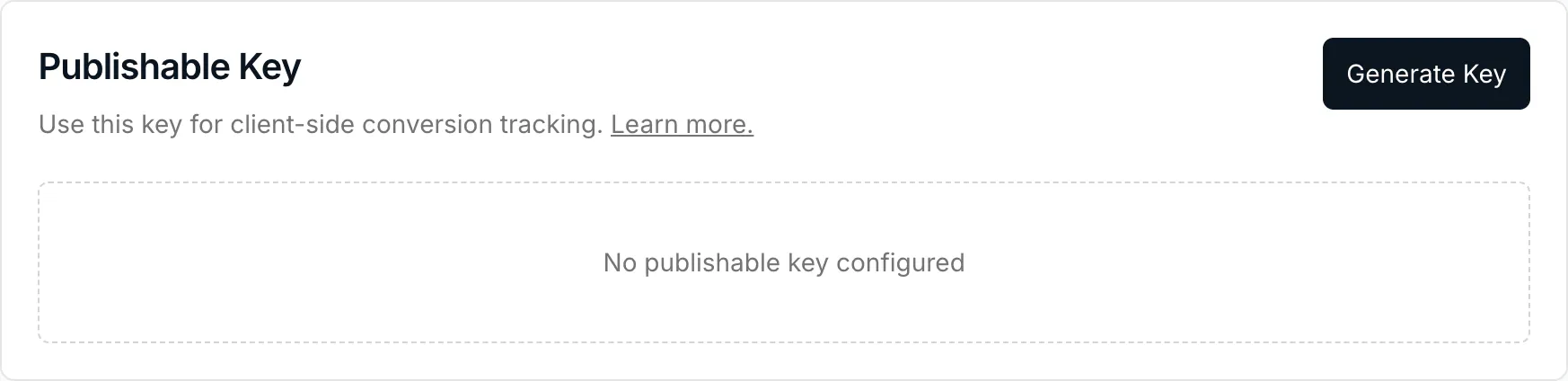
The script that runs in your visitors' browsers authenticates with a publishable key, which is safe to expose in page source.
- Open Settings → Conversion tracking.
- Under Publishable Key, select Generate Key.
Step 3 — Allow your domain
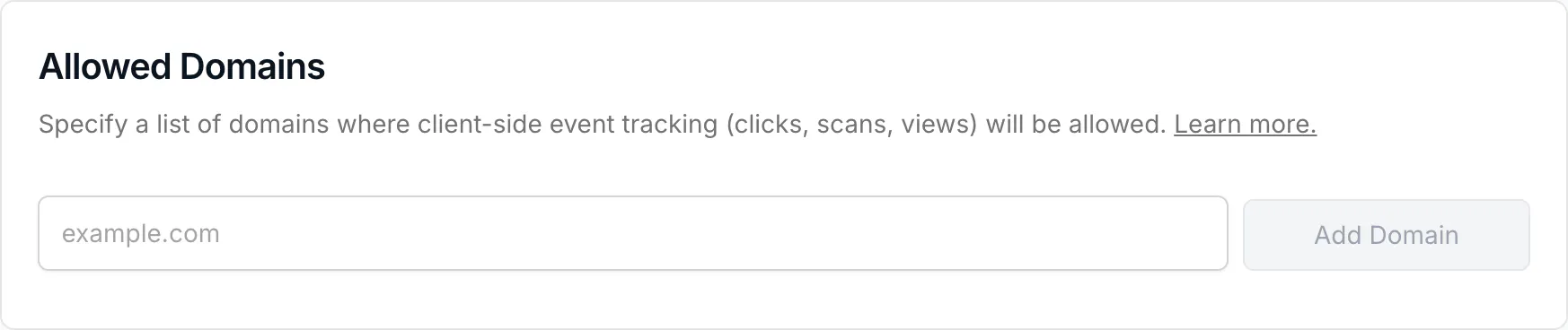
Allowed Domains lists the sites where client-side tracking is accepted. Add the domain your site runs on, without a scheme — example.com.
Step 4 — Install the script
Add this to every page, ideally in <head>:
<script
  src="https://cdn.codeqr.io/analytics/script.site-visit.outbound-domains.conversion-tracking.js"
  data-publishable-key="YOUR_PUBLISHABLE_KEY"
  defer
></script>
React and Next.js applications can mount the package instead:
import { Analytics } from '@codeqr/analytics/react'

<Analytics publishableKey="YOUR_PUBLISHABLE_KEY" />
What the script does, and what it does not
The script reads the click id from the URL and stores it in the browser, so it is still there when the visitor comes back later or checks out on another page of your site.
It does not report leads or sales. Those events are sent from your server, with a secret API key — see Send lead and sale events from your server. If you have seen a browser snippet calling trackLead or trackSale, note that the loaded script does not expose those functions today; a call to them fails silently or throws, and no conversion is recorded.
Verify it works
Open one of your tracked links, follow it to your site, and look for the cookie:
curl -sSI https://go.example.com/summer
HTTP/2 302
location: https://example.com/checkout?cq_id=qcdyQHsX1oajEock
set-cookie: cq_id=qcdyQHsX1oajEock; Path=/summer; Max-Age=2592000
Two things prove the switch is on: the cq_id parameter appended to your destination, and Max-Age=2592000 — thirty days. Without conversion tracking you get neither the parameter nor more than Max-Age=3600.
In the browser, document.cookie on your own site should contain cq_id after arriving through a tracked link.
Troubleshooting
The switch is grayed out
The workspace is below Pro, or this is a static QR code. The tooltip names which of the two applies.
The destination URL has no cq_id
Conversion tracking is off for that specific link. The switch is per link, not per workspace.
The cookie is there but conversions never arrive
Expected at this stage — the script only preserves the click id. Reporting the lead and the sale is the next article.
My site strips the query parameter
Some frameworks and redirects drop unknown parameters. Read cq_id as early as possible, or rely on the cookie, which is set on the CodeQR domain and read by the script.