
Create folders to group links and QR codes
Group links, QR codes and pages into folders, move items between them, and see exactly what happens to your links when a folder is deleted.

A folder is the place a link lives. One link, one folder, and moving it is a single action. This page covers creating them, filling them, and the question that stops people from using folders at all: what happens to the links when a folder goes away.
Availability
- Plan: Pro and above. Pro allows 15 folders, Business 100. Check the pricing page for the other plans.
- Where: Settings → Folders.
Before you start
Decide what a folder means in your workspace before creating the first one — client, brand, country, team. Folders are a structure, and a structure that means two things at once stops helping. Choose between folders and tags to organize links covers the decision.
Steps
- Open Settings → Folders.
- Select Add Folder.
- Type a name in Folder Name — the placeholder suggests the shape: Marketing, Sales, Support.
- Select Create Folder.
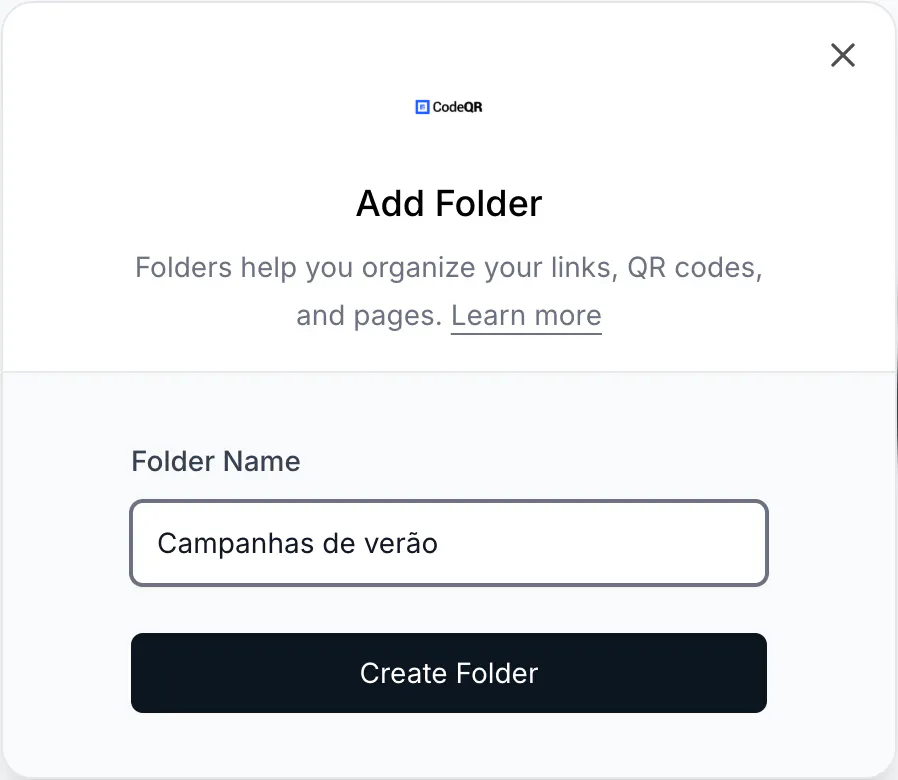
The folder appears in the list with its counts:

Put links into a folder
In the link or QR code builder, choose the folder in the Folder field. Existing items can be moved from the list, one at a time or in bulk.
To see what is inside a folder, filter the Links list by folder rather than selecting the counts on the folder card — those badges currently apply a tag filter instead of a folder filter, and return nothing.
What deleting a folder does
It does not delete your links. The folder is removed and everything inside it — links, QR codes and pages — returns to having no folder. The items keep working, keep their statistics and keep their tags; they stop being grouped.
The change is applied in the background in batches, so a folder holding thousands of items empties over a few moments rather than instantly.
This is worth stating plainly because the fear of losing links is the main reason teams never start organizing.
What folders do not do
- They do not restrict access. Everyone in the workspace sees every folder. If a set of links must be invisible to some people, that is a separate workspace, not a folder.
- They do not appear in Analytics. You cannot filter a report by folder. Grouping that needs to reach reports should be a tag — see Use tags to filter links, QR codes and pages.
- They do not carry defaults. A folder does not apply UTM parameters or expiration settings to what you put in it.
Do the same with the API
curl -X POST https://api.codeqr.io/folders \
  -H "Authorization: Bearer codeqr_xxxxxxxxxxxxxxxxxxxxxxxx" \
  -H "Content-Type: application/json" \
  -d '{"name":"Client A"}'
Create a link inside it by passing the folder id:
curl -X POST https://api.codeqr.io/links \
  -H "Authorization: Bearer codeqr_xxxxxxxxxxxxxxxxxxxxxxxx" \
  -H "Content-Type: application/json" \
  -d '{"url":"https://example.com","domain":"go.example.com","folderId":"fold_xxxxxxxx"}'
Verify it works
After creating a folder and moving something into it, filter the Links list by that folder: the list should show exactly what you moved. The folder card also shows the counts, which is the fastest confirmation that the move landed.
Troubleshooting
Selecting the link count on a folder shows nothing
Those badges filter by tag rather than by folder, so they find nothing. Filter the Links list by folder instead.
Add Folder is not available
Folders start on the Pro plan. On Free and Starter the section is not usable.
I reached the folder limit
Pro allows 15 and Business 100. Delete a folder you no longer need — the links inside survive — or move up a plan.
A folder name is refused
Names are unique within a workspace and must be at least three characters.
My teammate cannot find the folder
Reload the settings page. Folders are visible to the whole workspace; there is no per-folder access to configure.