
UTM Parameters: How to Track Campaigns and Optimize Results
Learn how to use UTM parameters to track your campaigns, analyze channels, and improve performance in Google Analytics.


If there’s one thing that truly changed the way I see digital campaigns, it was discovering UTM parameters. With more than two decades following the growth of online marketing, I’ve noticed a clear pattern: the more reliable data I have available, the more confident I feel when deciding the direction of any promotional action. What I like to share with colleagues, clients, and friends is simple—UTMs aren’t just for large companies, but for anyone who wants clarity in their results.
In this article, I’ll explain in a straightforward way what UTM parameters are, how they work in real-world scenarios, why they matter in day-to-day marketing, and how to apply them consistently to extract valuable insights. I’ll cover the core concept, show practical examples across different channels, explain how to create URLs with UTMs, highlight best practices, walk through how to read the data in Google Analytics, and point out common mistakes I see people make all the time. Along the way, I’ll also show how platforms like CodeQR naturally integrate into this monitoring workflow, bringing even more efficiency to teams managing links, QR Codes, and campaign pages.
Reliable numbers turn guesses into good decisions.
What Are UTM Parameters and Why Do They Matter?
When someone asks me what the real turning point was in analyzing online campaigns, my answer is almost obvious: adding the right labels to links—the famous UTM parameters. UTM stands for Urchin Tracking Module, a concept created in the early days of the web by Urchin Software, which was later acquired and incorporated into Google Analytics.
In simple terms, UTMs are snippets of text added to a URL that allow you to know exactly where a click came from. This means identifying which channel, campaign, and format brought visitors to your site. It may sound simple, but this tracking is the foundation of smarter decisions. Without proper UTMs, all you see is generic traffic—you don’t know whether it came from Instagram, a newsletter, or a specific influencer’s profile.
When I say UTMs change the game, it’s because I’ve seen it happen in practice. I’ve worked with clients who were convinced Facebook was driving their best results, only to discover that a YouTube banner was actually generating sales. There’s no exaggeration here: getting your parameters right has a direct impact on campaign ROI.
Main Functions of UTMs
- Track where visitors are coming from
- Segment performance by campaign, format, channel, and audience
- Bring clarity to Google Analytics reports
- Enable comparisons and testing between different promotional actions
Understanding this was fundamental to evolving my strategic view of digital marketing and recommending a data-driven approach in every type of project.
Understanding Each Part of UTMs: The 5 Core Parameters
UTMs aren’t just a single “tag”—they’re a set, and each part reveals a piece of the user’s journey. Here are the main ones:
- utm_source: The traffic source—where the click came from. This could be a website, social network, media outlet, or influencer name.
- utm_medium: The marketing medium or channel category, such as social, email, cpc, or banner.
- utm_campaign: The campaign name, ideal for distinguishing promotions, seasonal actions, or specific strategies.
- utm_term: Commonly used for paid keywords, but also useful for additional details like ad group names.
- utm_content: Great for testing different creatives or link versions, helping identify what actually drove the click.
In practice, combined with tools like CodeQR, I can create personalized links with precise tagging to monitor every action across the customer journey.
Real-World Example of a UTM Link
https://www.yoursite.com/product?utm_source=instagram&utm_medium=social&utm_campaign=launch&utm_content=bio_link
With this single URL, I already know: it came from Instagram, via social media, related to a product launch, and specifically from the bio link.
Practical Applications: UTMs in Email, Social Media, Ads, and Influencers
Throughout my career, I’ve learned that the biggest mistake teams make happens early on: failing to plan tracking for each channel. Every traffic source requires its own UTMs, adapted to context and campaign goals.
Email Marketing
In email campaigns, I always separate each send—and even different buttons or banners within the same email.
Example:
- utm_source: newsletter
- utm_medium: email
- utm_campaign: blackfriday2024
- utm_content: top_banner / final_button
This way, when reviewing reports, I can see not only which email performed better, but whether the top banner or the final CTA drove the click.
Social Media
For organic posts, ads, or stories, I always differentiate the source (Facebook, Instagram, X, etc.), the format (post, story, sponsored), and the campaign. I often use utm_content to distinguish between carousel, video, or static image. That’s the only way to compare formats fairly.
Paid Ads
When setting up paid campaigns—search or display—I always use utm_term to store keyword data. On platforms like CodeQR, parameter integration creates a tight link between click and conversion.
Influencers and Affiliates
In a world with thousands of creators, UTMs are essential for identifying who actually converts. I standardize influencer names in utm_source, define the media type in utm_medium, and specify the campaign or action.
This level of detail isn’t about control for its own sake—it brings clarity when deciding where to invest. As I often show in CodeQR’s digital marketing content, small adjustments in parameters can lead to much clearer insights.
How to Create Links with UTMs: Manual vs. Tools
I’ll admit that early on I made simple mistakes—typing UTMs manually, missing characters, repeating names, or mixing uppercase and lowercase. That’s when I learned the value of URL builders. Here are the two methods I still use today:
Manual Creation
- Start with the base URL (e.g., www.mysite.com/page)
- Add ? to begin parameters
- Add each UTM separated by &
Example:
www.mysite.com/page?utm_source=instagram&utm_medium=social&utm_campaign=launch
Using Tools
For small teams or solo professionals, I often recommend Google’s Campaign URL Builder—it reduces errors and provides a clear visual confirmation of parameters.
For high-volume campaigns or automation, platforms like CodeQR are invaluable. Every QR Code or short link can include custom UTMs, standardizing naming conventions and integrating with tools like Zapier, Make, or internal systems.
Naming Best Practices: Standardization and Organization
Creating UTMs isn’t enough—consistency is critical. Nothing hurts analysis more than discovering months later that someone used “Instagram” instead of “instagram,” or “e-mail” instead of “email,” splitting valuable data across reports.
Best practices I follow and recommend:
- Less is more: Use clear, simple names.
- Lowercase only: Avoid duplicate segments.
- No spaces or accents: Use _ or - instead.
- Define standards in advance: Maintain shared documentation.
- Document everything: Log campaign UTMs for future reference.
Standardization saves time later—and prevents headaches.
How to View and Interpret UTM Results in Google Analytics
Once UTMs are live, the next question is obvious: did it work? This is where Google Analytics shines. With the right parameters, insights become clear.
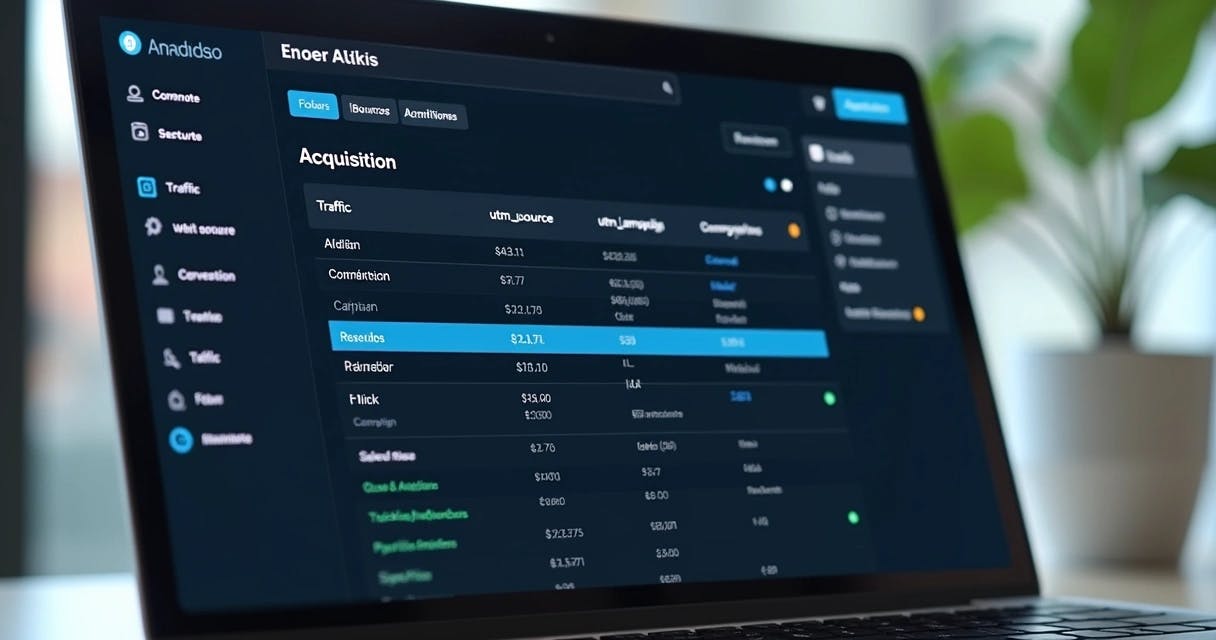
I usually navigate to Acquisition → All Traffic → Source/Medium to analyze segmented clicks. From there, I evaluate campaign performance, creative tests via utm_content, and keyword results via utm_term.
My usual workflow:
- Filter by source/medium to identify top-performing channels
- Compare campaigns to see which message or format converts best
- Analyze engagement: time on site, return visits, purchases
The key is cross-referencing data—high traffic doesn’t always mean high conversions.
Common Mistakes and How to Avoid Them
UTMs, when misused, can create confusion instead of clarity. The most common issues I see include:
- Mixing uppercase and lowercase
- Using spaces or special characters
- Failing to document parameters
- Adding UTMs to internal links
- Forgetting UTMs on strategic campaigns
Careful use of UTMs protects your future analysis.
How UTMs Improve Decision-Making and Campaign Results
With the right parameters, I can clearly see which channel, format, or message drives conversions. This removes guesswork from budgeting and planning.
I’ve seen teams confidently back the wrong channel—until a simple Analytics filter revealed the truth. With solid data, ROI measurement becomes accurate, creatives improve faster, and budgets move where they matter most.

Integrating UTMs with Tools and Automation: The Role of CodeQR
One reason I consistently use CodeQR is that it goes beyond basic link and QR Code creation. The platform allows me to embed UTMs, automate tracking links, and integrate with APIs, Zapier, or Make—ensuring consistency across campaigns.
Dynamic QR Codes are another major advantage: campaigns can be updated without replacing printed materials, while analytics remain intact.
A/B Testing and Multi-Channel Segmentation
UTMs are also essential for A/B testing. By varying utm_content across creatives, headlines, or banners, performance comparison becomes straightforward—and optimization decisions are data-backed.
Conclusion
Over the years, measuring every step has become second nature to me. When applied correctly, UTM parameters make it clear what works, what deserves investment, and what needs adjustment.
My recommendation—whether you’re just starting or running advanced campaigns—is simple: use UTMs everywhere it matters, standardize naming, document everything, and rely on platforms like CodeQR to streamline tracking and analysis.
Data-driven decisions are always better decisions.
If you value clarity, control, and smarter marketing choices, try CodeQR and see how UTMs and link tracking can transform your campaign analysis. Start with the free version, create your QR Codes, links, and landing pages, and take the next step in campaign measurement today.
Frequently asked questions about UTMs
UTM parameters are text fragments added to the end of URLs to track the origin, channel, campaign, and details of clicks received in digital marketing actions. With them, it's possible to segment traffic, understand audience behavior, and make decisions based on real data.