
CodeQR Blog
Bleiben Sie über unsere neuesten Nachrichten und Updates informiert
Highlights
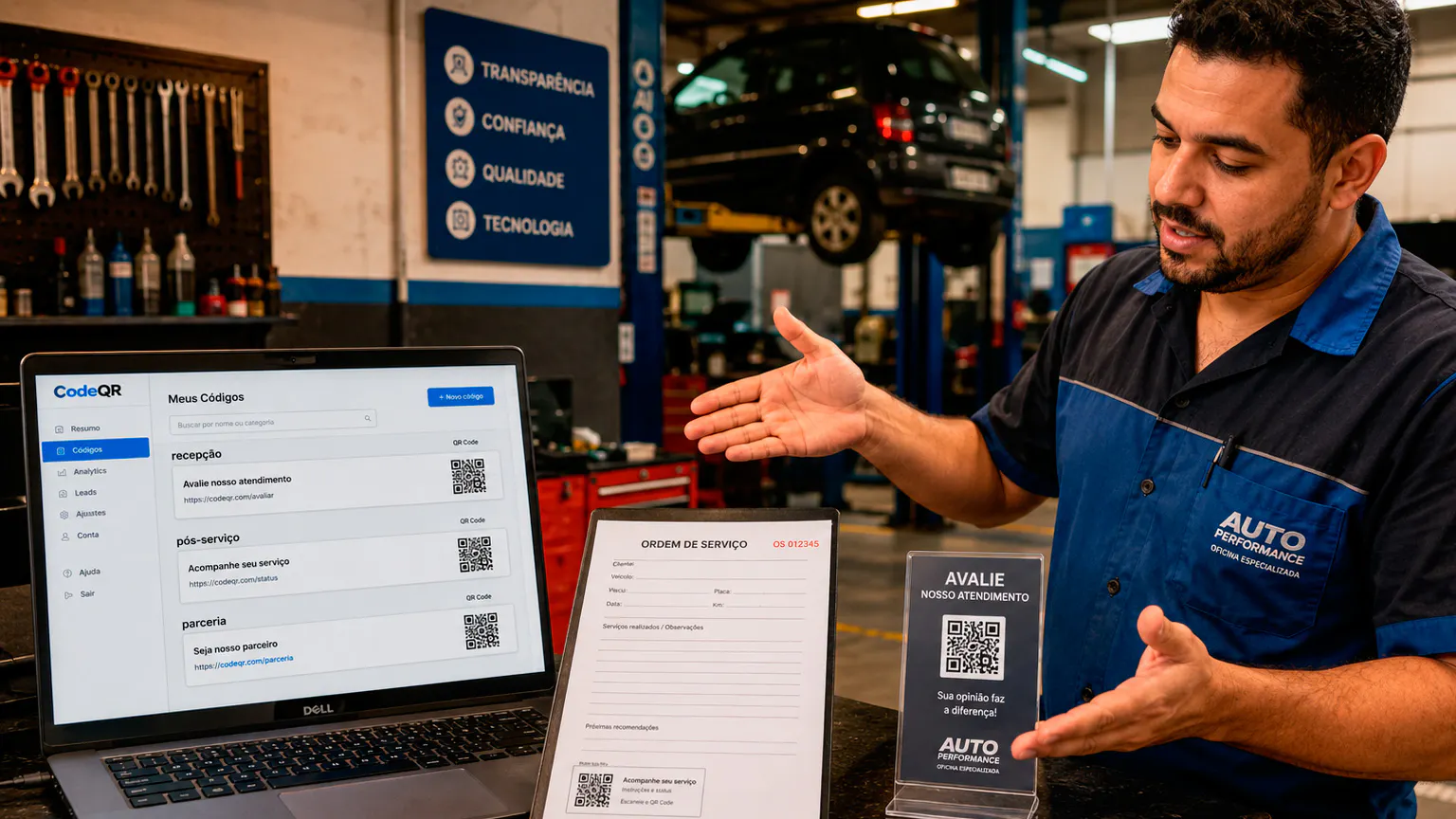
QR Code With Serial Number: How to Put a Unique Code on Every Unit
How to make a QR code with a serial number for each unit: what the code should hold, how to build the URL from a spreadsheet, and how to automate it.
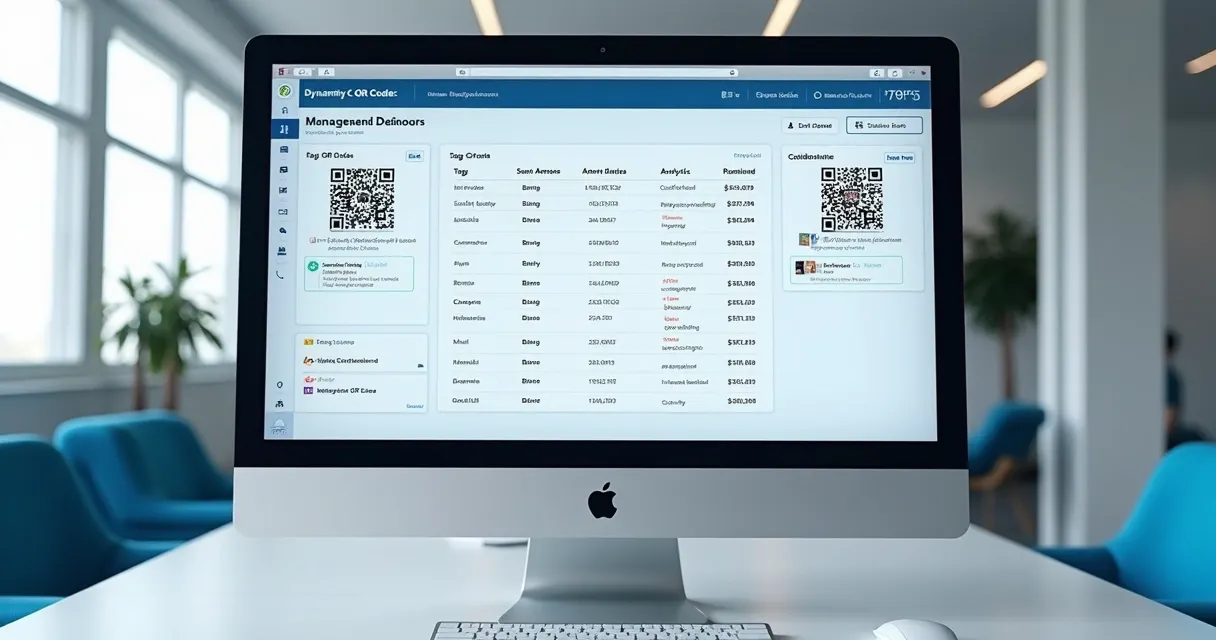
Bulk QR Code Generator: Three Ways to Make a QR Code for Every Row
How to generate QR codes in bulk from a list: a Google Sheets automation, the bulk API for one-off batches, and the API per record for your own app.

QR Code Tickets: One Code per Attendee That Expires After the Event
How to give every attendee their own QR code ticket by email as soon as they register, count each scan and stop the code working after the event.
Aktuelle Artikel

QR Code Asset Tags: How to Tag Your Whole Inventory
How to make QR code asset tags for a whole inventory from the asset list you already keep: what each tag opens, how to name it, print it and re-tag later.

QR Code Labels: How to Go From a List to Printed Labels
How to make QR code labels from a list: one PNG per row, a mail merge or label tool, text or URL codes, size, contrast, and when to use dynamic codes.

Excel QR Code Generator: Make One QR Code for Every Row
How to turn a list in Excel into one QR code per row: what a spreadsheet can and can't do alone, and three routes that keep your list as the source.

Create Multiple QR Codes: Pick the Route That Fits Your Records
How to create multiple QR codes at once, depending on where your records live: a spreadsheet, a serial number list, labels, an inventory, a registration list or your own app.
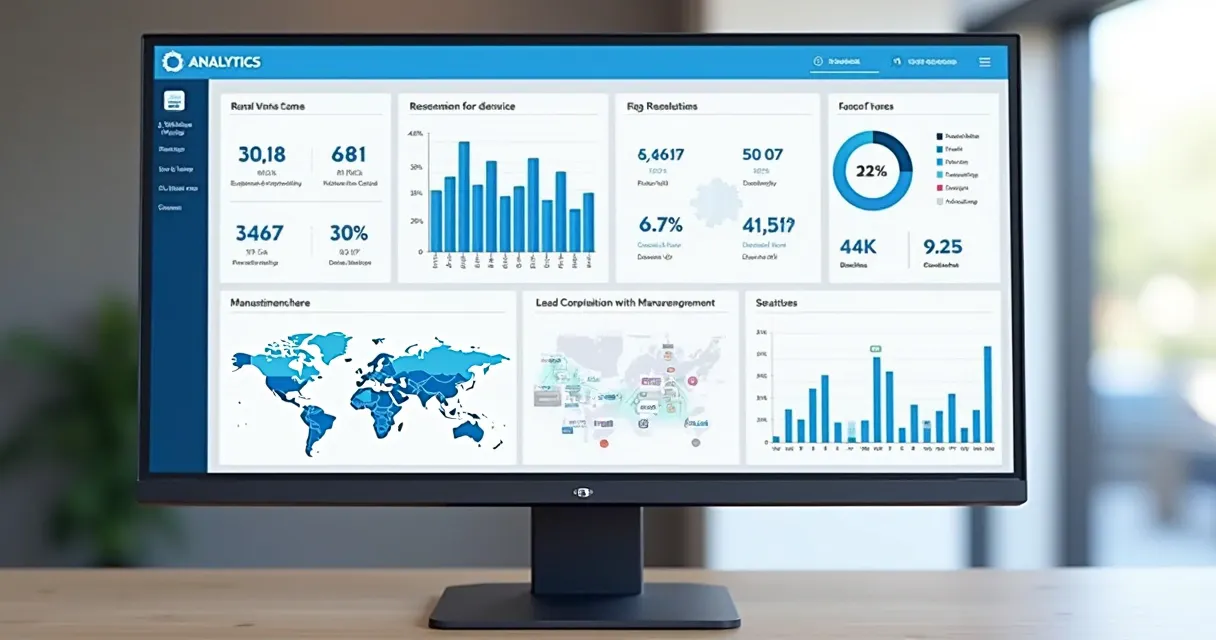
QR Code API: Create QR Codes from Your Own System
How to create QR codes through the CodeQR API: the request, the response, bulk creation, your own record IDs, errors, and a no-code option for systems that send webhooks.

Apple Pay QR Code: Can You Make One, and What Works Instead
Apple Pay has no QR code you can make to get paid. Here is how Apple Pay and Apple Cash actually work, and how a business can take Apple Pay from a printed QR code.

Flowcode Pricing 2026: Free, Pro Plus and Growth Plans Compared
What each Flowcode plan costs per year, monthly vs annual billing, the cost per dynamic code, what the Free plan includes, and what happens to codes if you downgrade.

QR Code IO Charge: What the QR-Code.io Fee Is and How to Cancel
What a QR-Code.io charge on your card statement is, whether QR Code IO is free, how its trial renews, how to cancel, refunds, and what happens to your codes.

Do QR Codes Expire? Static vs Dynamic, Canva, Adobe and Bitly
A QR code image never expires, but the link behind a dynamic code can stop. When codes stop working, what Canva, Adobe Express and Bitly say, and how to avoid it.



Teams, die ihre Codes bereits mit CodeQR betreiben
Produktteams, Agenturen und Entwickler nutzen CodeQR, um Codes aus ihren eigenen Systemen zu erstellen und Ziele ohne Neudruck zu ändern. Jeder Scan landet in ihren Berichten.










Was Sie tun können nachdem der Code draußen ist
Ändern Sie, wohin ein Code führt, leiten Sie Besucher nach Gerät oder Standort auf verschiedene Seiten, erfassen Sie Leads und senden Sie jeden Scan an Ihre eigenen Tools, ohne den gedruckten Code zu ändern.
UTM-Builder
Fügen Sie UTM-Parameter hinzu, um die Kampagnenleistung mit integriertem Tracking von Quelle, Medium, Kampagne, Begriff und Inhalt zu verfolgen.
Conversion-Tracking
Überwachen Sie Conversions und messen Sie die Effektivität Ihrer Marketing-Kampagnen mit detaillierten Analytics.
QR-Code-Analytics
Verfolgen Sie QR-Code-Scans mit detaillierten Einblicken zu Standort, Gerät, Zeit und Benutzerverhalten.
Echtzeit-Analytics
Überwachen Sie die Leistung in Echtzeit mit Live-Dashboards und sofortigen Benachrichtigungen.
Vor-Umleitung-Formulare
Fangen Sie Leads ab, bevor Sie Benutzer mit anpassbaren Formularen umleiten oder in externe Plattformen integrieren.
REST-API
Integrieren Sie CodeQR in Ihre Anwendungen mit unserer umfassenden REST-API für Automatisierung.
Webhooks
Erhalten Sie Echtzeit-Benachrichtigungen, wenn Links geklickt oder QR-Codes über Webhooks gescannt werden.
Social-Media-Vorschauen
Passen Sie an, wie Ihre Links erscheinen, wenn sie auf Twitter, Facebook, LinkedIn und anderen sozialen Plattformen geteilt werden.
Benutzerdefinierte Social Cards
Erstellen Sie schöne Vorschau-Cards mit benutzerdefinierten Bildern, Titeln und Beschreibungen für Social-Media-Sharing.
QR-Code-Anpassung
Markieren Sie Ihre QR-Codes mit Farben, Logos und benutzerdefinierten Designs, die zu Ihrer Markenidentität passen.
Benutzerdefinierte Domains
Verwenden Sie Ihre eigene Domain für kurze Links und QR-Codes, um Ihre Markenpräsenz zu stärken.
Intelligentes Tagging
Organisieren Sie Ihre Links und QR-Codes mit KI-vorgeschlagenen Tags für bessere Verwaltung und Entdeckung.
Team-Kommentare
Fügen Sie Kontext und Notizen zu Ihren Links und QR-Codes für bessere Team-Zusammenarbeit hinzu.
Massenoperationen
Erstellen, bearbeiten und verwalten Sie mehrere Links und QR-Codes gleichzeitig für effizienten Workflow.
Team-Zusammenarbeit
Teilen Sie Projekte, verwalten Sie Berechtigungen und arbeiten Sie mit Ihrem Team an Link- und QR-Code-Kampagnen zusammen.
Geräte-Segmentierung
Leiten Sie Benutzer basierend auf ihrem Gerät zu verschiedenen URLs um - iOS, Android oder Desktop.
Geografische Segmentierung
Bieten Sie Benutzern basierend auf ihrem Standort unterschiedliche Inhalte mit länderspezifischen Umleitungen.
Suchmaschinen-Indexierung
Kontrollieren Sie, ob Suchmaschinen Ihre Links für besseres SEO-Management indexieren können.
Passwortschutz
Schützen Sie Ihre Links und QR-Codes mit Passwort-Verschlüsselung, um den Zugriff auf sensible Inhalte zu kontrollieren.
Ablaufdaten
Legen Sie automatisches Ablaufen für Ihre Links und QR-Codes mit benutzerdefinierten Umleitungs-URLs fest, wenn sie ablaufen.
Link-Maskierung
Verstecken Sie Ziel-URLs, damit Benutzer nur Ihre markierten kurzen Links in der Browser-Adressleiste sehen.